EasyManua.ls Logo

Philips RC759 RDS - Page 19

Philips RC759 RDS
26 pages
Print Icon
To Next Page IconTo Next Page
To Previous Page IconTo Previous Page
Loading...
——
NAVIGATION
MENU
The
navigation
system
will
show
and
tell
you
the
way.
Simply
enter
your
destination
and
activate
‘Guidance’.
Destination
input:
To
enter
your
destination
(4
nee
possible).
ountry
(method
1):
Select
the
destination
country
(only
available
if
the
map
CD
includes
than
one
country).
-y/road/junction:
Enter
the
city
name,
the
road
name
(optional)
and
the
junction
(optio-
I)
of
your
destination.
If
required,
also
enter
the
country.
After
entering
the
road
name
you
can
the
house
number
(f
available).
idance:
See
‘Guidance’
underneath.
stination
store:
You
can
store
30
destinations
in
your
address
book.
address
(method
2):
Recall
a
destination
previously
stored
in
your
address
last
destination
(method
3):
Recall
one
of
the
10
last
used
destinations.
\ddress:
Store
the
current
destination
in
the
address
book.
You
can
assign
a
name
destination
with
a
maximum
of
10
characters.
elete
address:
Delete
a
destination
from
your
address
book.
te
last
destinations:
Delete
the
10
last
used
destinations.
pecial
destination
(method
4):
To
select
your
destination
from
a
list,
such
as
port,
car
park,
petrol
station,
hotel,
etc.
on
destination:
Select
one
of
the
special
facilities
in
the
city
previously
cnterdéla
as
nation.
In
small
cities
and
villages
usually
only
the
option
‘CITY
CENTRE’
is
available.
if
yame
is
entered
as
a
destination,
you
can
select
special
facilities
of
national
importance.
n
car
position:
Select
one
of
the
special
facilities
in
the
vicinity
of
the
current
tion.
The
first
facility
listed
in
the
menu
is
the
closest.
on.
importance:
Select
one
of
the
facilities
of
national
importance.
Delete
destination:
Delete
the
current
destination
and
deactivate
the
guidance.
Guidance:
Activate
the
guidance
when
you
have
entered
your
destination
(at
least
a
city
name).
The
set
ns
a
route
and
will
guide
you
to
your
destination
using
indications
on
screen
and
spoken
messages.
If
the
rent
traffic
situation
and
the
guidance
are
in
contradiction,
always
follow
the
traffic
regulations.
n
Case
you
decide
not
to
follow
the
suggested
route,
the
set
will
automatically
calculate
a
new
oute
and
provide
new
suggestions.
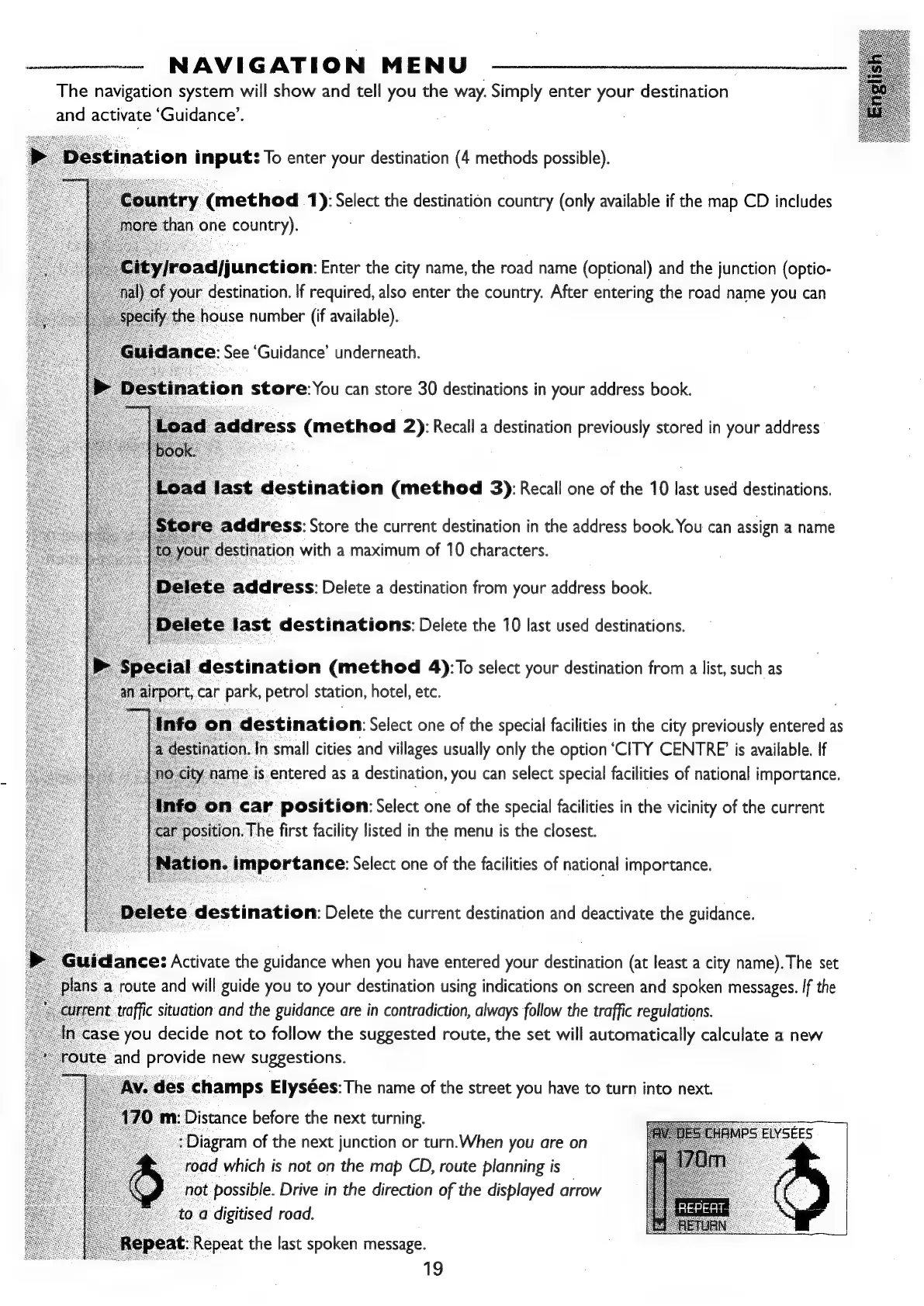
Av.
des
champs
Elysées:
The
name
of
the
street
you
have
to
turn
into
next.
)
m:
Distance
before
the
next
turning.
:
Diagram
of
the
next
junction
or
turn.When
you
are
on
_road
which
is
not
on
the
map
CD,
route
planning
is
not
possible.
Drive
in
the
direction
of
the
displayed
arrow
to
a
digitised
road.
PS
ELYSEES
epeat:
Repeat
the
last
spoken
message.
oo
iS

Related product manuals