EasyManua.ls Logo

Philips RC759 RDS - Remote Control; Menu Operation

Philips RC759 RDS
26 pages
Print Icon
To Next Page IconTo Next Page
To Previous Page IconTo Previous Page
Loading...
REMOTE
CONTROL
A
Philips
remote
control
(Le
Mouse)
can
be
connected
to
this
set
(see
INITIALIZATION
SUBMENU).
See
your
dealer
for
more
information.
The
remote
control
allows
you
to
carry
out
some
of
the
main
functions
of
the
set,
without
the
need
to
take
your
eyes
off
the
road
while
driving.
This
increases
your
safety.
*
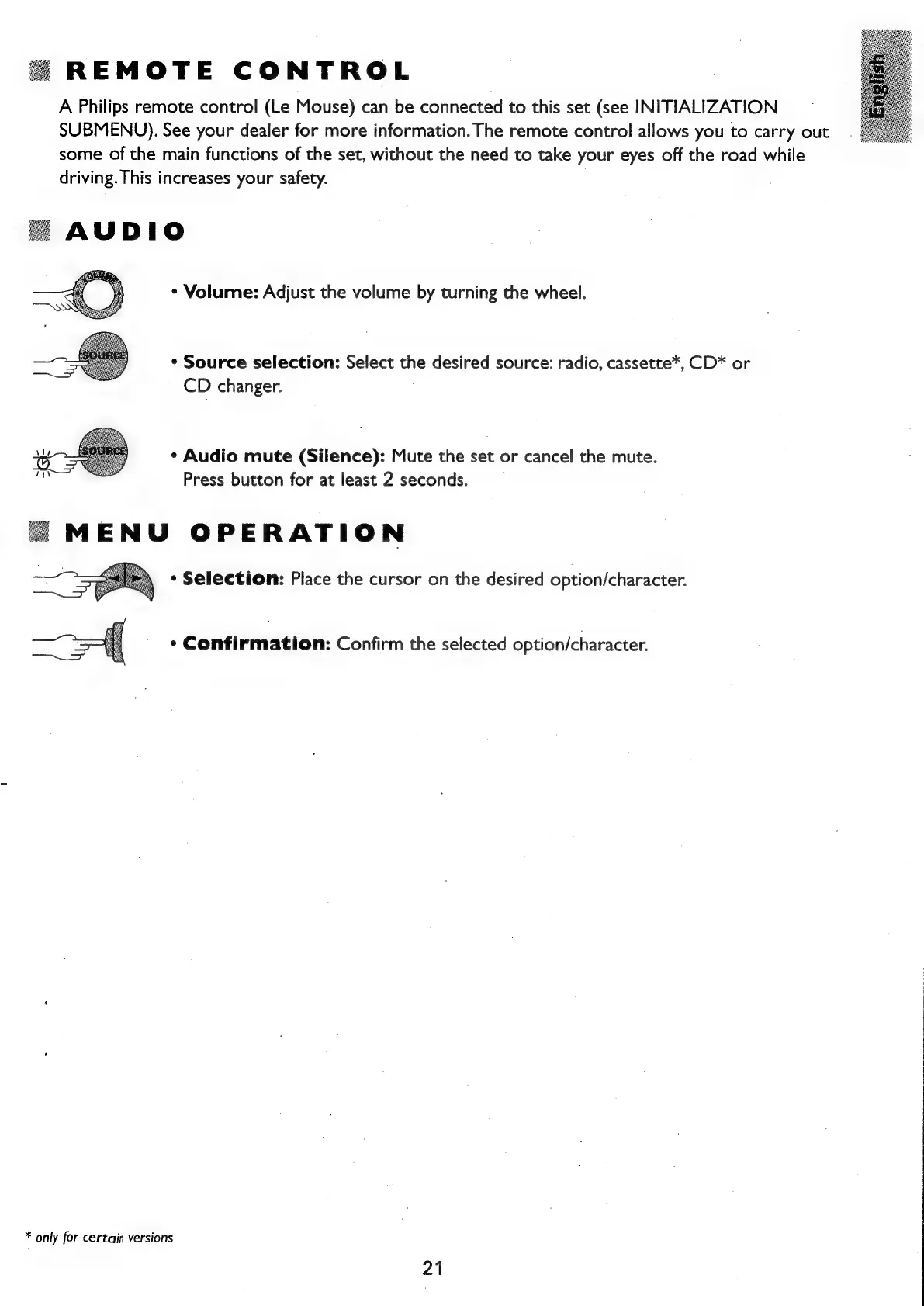
Source
selection:
Select
the
desired
source:
radio,
cassette*,
CD*
or
CD
changer.
*
Audio
mute
(Silence):
Mute
the
set
or
cancel
the
mute.
Press
button
for
at
least
2
seconds.
MENU
OPERATION
*
Selection:
Place
the
cursor
on
the
desired
option/character.
¢
Confirmation:
Confirm
the
selected
option/character.
*
only
for
certain
versions
21

Related product manuals