EasyManua.ls Logo

Philips RC759 RDS - Page 6

Philips RC759 RDS
26 pages
Print Icon
To Next Page IconTo Next Page
To Previous Page IconTo Previous Page
Loading...
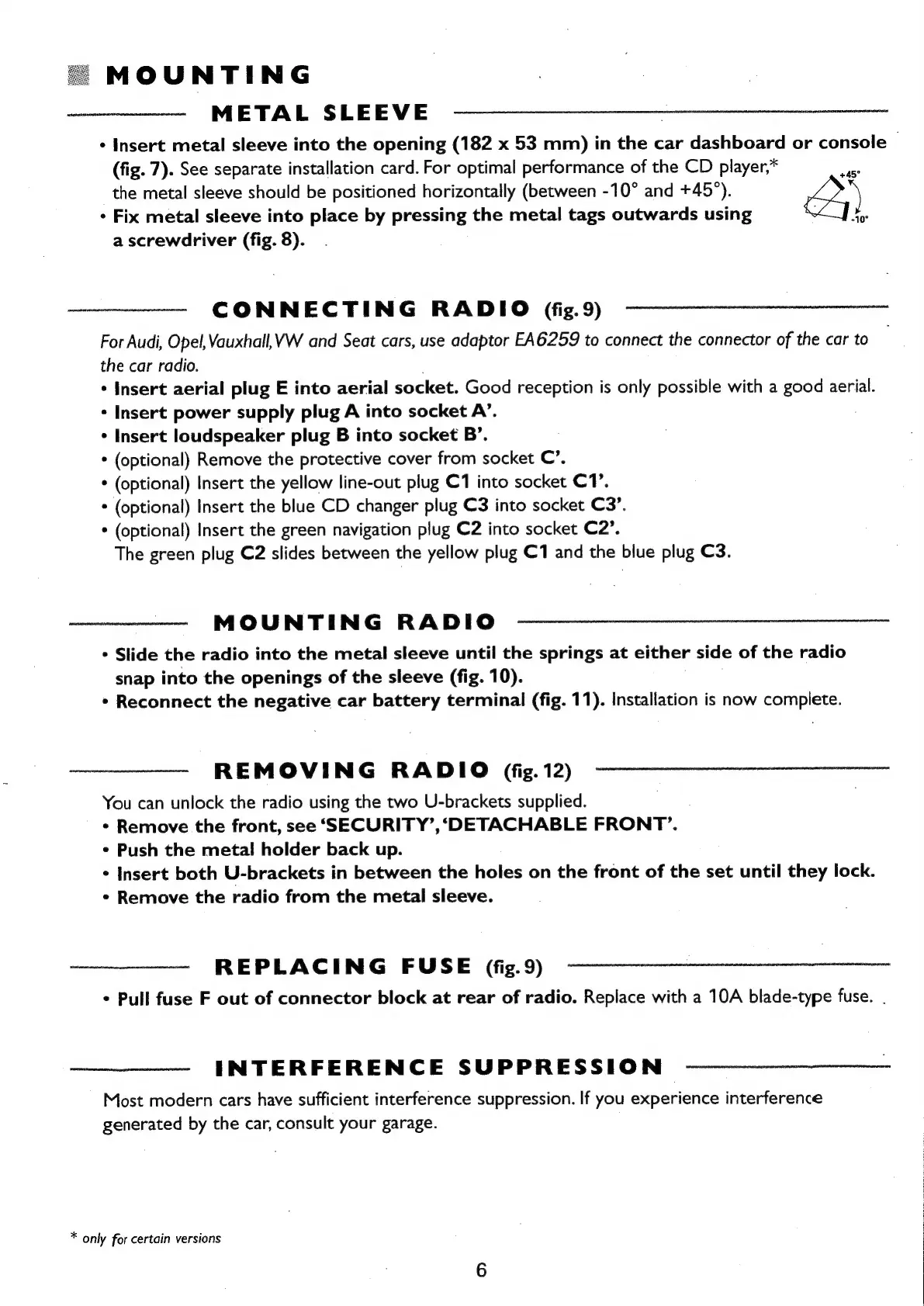
MOUNTING
METAL
SLEEVE
-
Insert
metal
sleeve
into
the
opening
(182
x
53
mm)
in
the
car
dashboard
or
console
(fig.
7).
See
separate
installation
card.
For
optimal
performance
of
the
CD
player,*
the
metal
sleeve
should
be
positioned
horizontally
(between
-10°
and
+45°).
*
Fix
metal
sleeve
into
place
by
pressing
the
metal
tags
outwards
using
a
a
screwdriver
(fig.
8).
+45°
CONNECTING
RADIO
(fig.
9)
For
Audi,
Opel,
Vauxhall,
VW
and
Seat
cars,
use
adaptor
EA6259
to
connect
the
connector
of
the
car
to
the
car
radio.
¢
Insert
aerial
plug
E
into
aerial
socket.
Good
reception
is
only
possible
with
a
good
aerial.
+
Insert
power
supply
plug
A
into
socket
A’.
*
Insert
loudspeaker
plug
B
into
socket
B’.
*
(optional)
Remove
the
protective
cover
from
socket
C’.
*
(optional)
Insert
the
yellow
line-out
plug
C1
into
socket
C1’.
*
(optional)
Insert
the
blue
CD
changer
plug
C3
into
socket
C3’.
*
(optional)
Insert
the
green
navigation
plug
C2
into
socket
C2’.
The
green
plug
C2
slides
between
the
yellow
plug
C1
and
the
blue
plug
C3.
MOUNTING
RADIO
*
Slide
the
radio
into
the
metal
sleeve
until
the
springs
at
either
side
of
the
radio
snap
into
the
openings
of
the
sleeve
(fig.
10).
*
Reconnect
the
negative
car
battery
terminal
(fig.
11).
Installation
is
now
complete.
REMOVING
RADIO
(fig.
12)
You
can
unlock
the
radio
using
the
two
U-brackets
supplied.
*
Remove
the
front,
see
‘SECURITY’,
‘DETACHABLE
FRONT’.
*
Push
the
metal
holder
back
up.
*
Insert
both
U-brackets
in
between
the
holes
on
the
front
of
the
set
until
they
lock.
*
Remove
the
radio
from
the
metal
sleeve.
REPLACING
FUSE
(fig.9)
*
Pull
fuse
F
out
of
connector
block
at
rear
of
radio.
Replace
with
a
10A
blade-type
fuse.
.
INTERFERENCE
SUPPRESSION
Most
modern
cars
have
sufficient
interference
suppression.
If
you
experience
interference
generated
by
the
car,
consult
your
garage.
*
only
for
certain
versions

Related product manuals