User Guide
27
3 Use the arrow buttons and to move the delay to the right
place.
5 Press the Left button to close the macro.
A confirmation screen appears where you can save or cancel the macro.
6 Tap Save.
The macro is ready to be used.
Setting timers
To activate a device at the time your prefer, you can use the timer.
1 Tap the Macro menu button .
2 Open the macro menu and select a timer group.
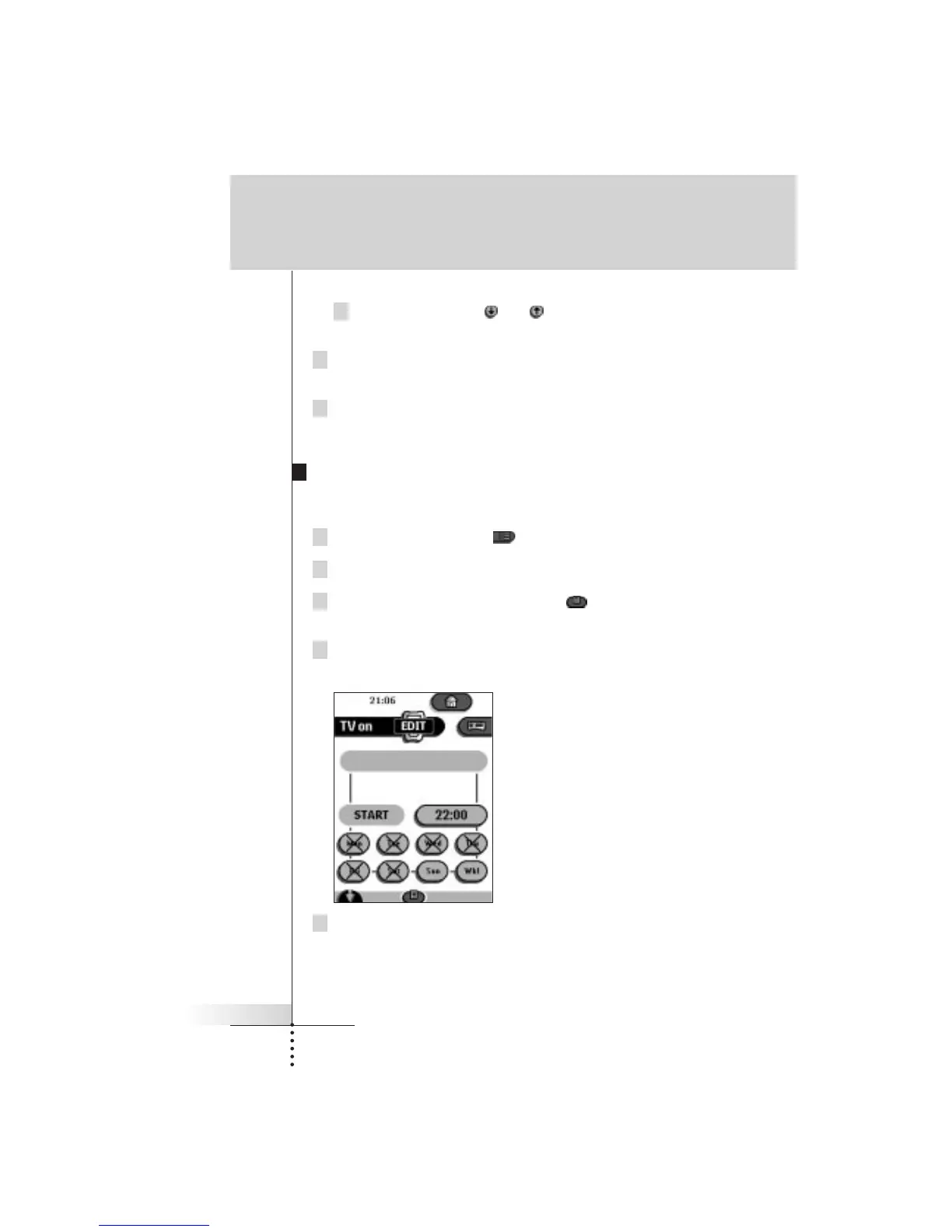
3 Switch to Edit mode via the Mode button .
Empty timer buttons appear in the timer control panel.
4 Tap the button you want to set a timer for.
The first timer control panel appears in which you can set the start time.
5 Enter the command the timer has to execute.
A timer can contain either a single IR command or a macro.
You can navigate to whatever control panel you want, just as you do in
Use mode.
Getting the maximum out of it







 To Next Page