12
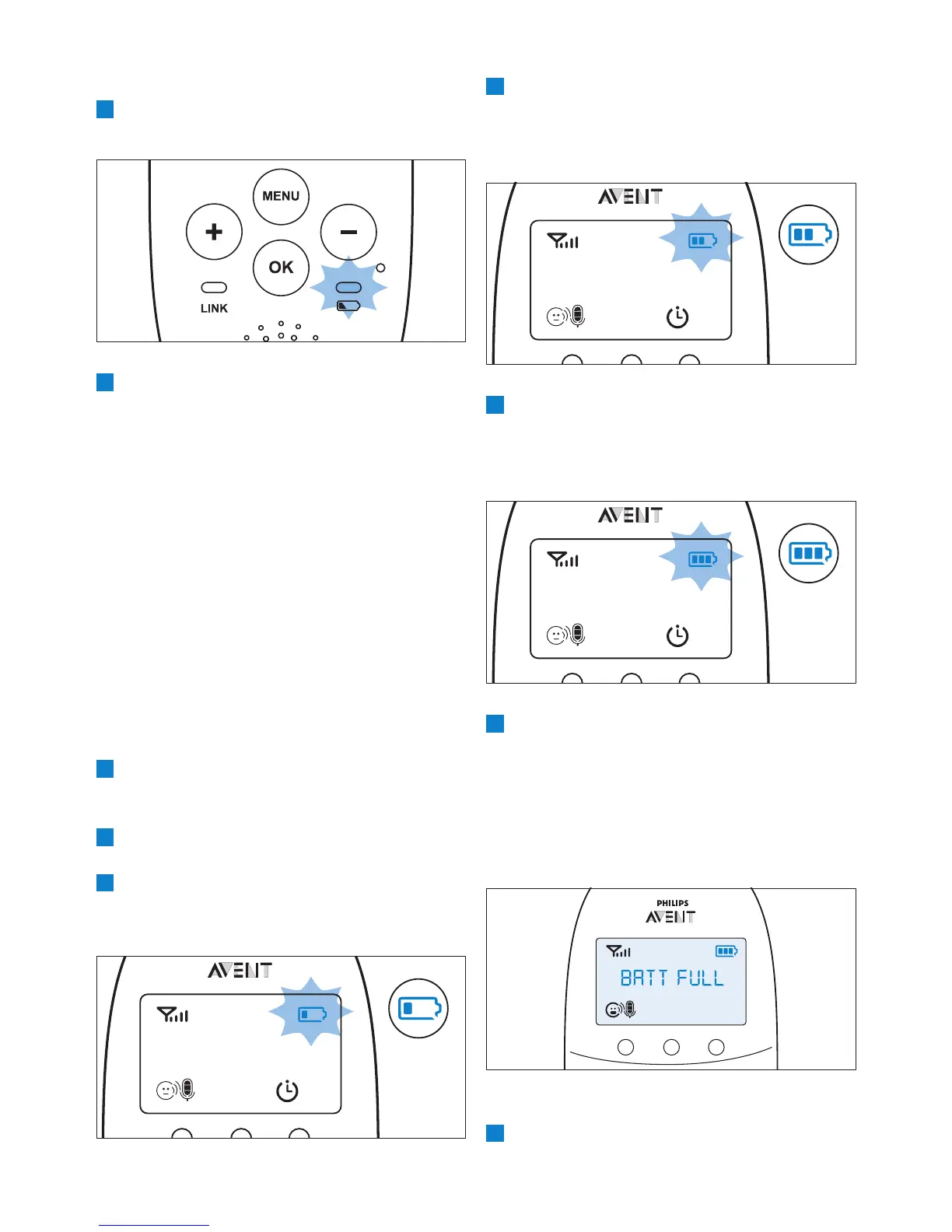
4 The second segment in the battery status
indicator starts ashing when the rechargeable
batteries are charged to more than 30% of
their capacity.
5 The third segment in the battery status
indicator starts ashing when the rechargeable
batteries are charged to more than 50% of
their capacity.
6 When the rechargeable batteries are full, the
following happens:
• The third segment in the battery status
indicator stops ashing.
• The display goes on for 4 seconds and
the message ‘BATT FULL’ appears on the
display.
• The battery status light turns solid green.
7 Disconnect the parent unit from the mains. It
is now ready for cordless use.
6.3.2 Battery empty
1 If the rechargeable batteries are almost empty,
the battery status light ashes red quickly.
2 If you do not connect the parent unit to the
mains, the following happens in succession:
1 The link with the baby unit is lost.
2 The display goes out.
3 The parent unit switches off.
D
Note:
If you switch on the parent unit when its
rechargeable batteries are almost empty, the
display goes on. The message ‘BATTERY LOW’
appears on the display for 2 seconds before the
parent unit switches off.
6.3.3 Charging
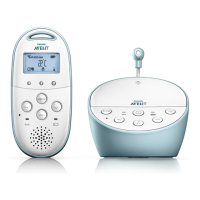
Insert the small plug in the parent unit and put
the adapter in a wall socket. When the parent unit
charges, the following happens in succession:
1 The display goes on for 4 seconds and the
text ‘CHARGING’ appears on the screen for
2 seconds.
2 The battery status light is solid green when
the parent unit is connected to the mains.
3 The rst segment in the battery status
indicator starts ashing to indicate that the
rechargeable batteries are charging.


 To Next Page
 Loading...