9
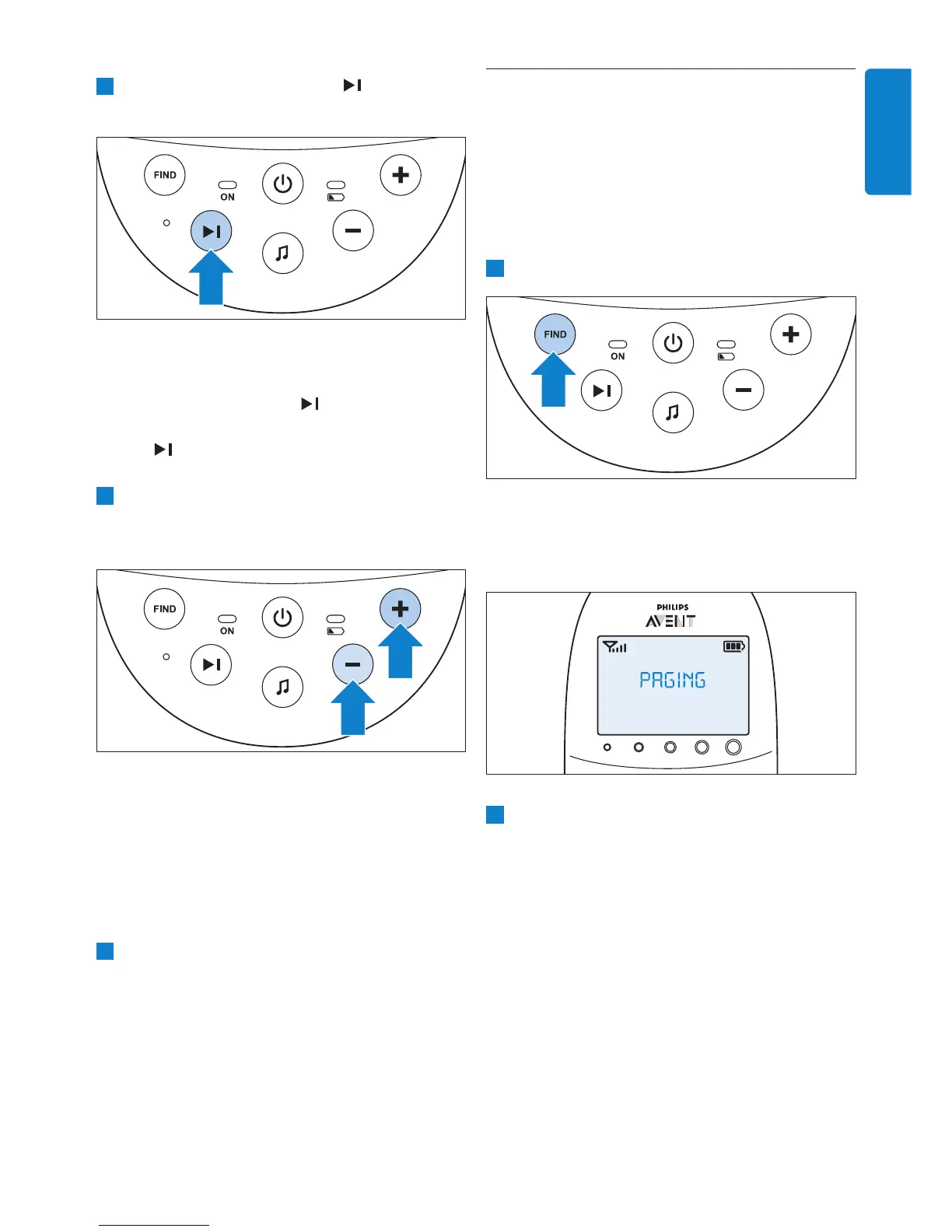
5.3 Paging the parent unit
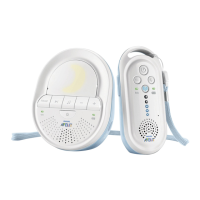
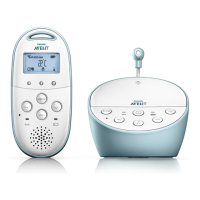
If you have lost the parent unit, you can use the
FIND button on the baby unit to locate the
parent unit.
D
Note:
The paging function only works when the parent
unit is switched on.
1 Press the FIND button on the baby unit.
• The message ‘PAGING’ appears on the
display of the parent unit and the parent
unit produces a paging alert tone.
2 To stop the paging alert tone, press the FIND
button on the baby unit again or press any
button on the parent unit.
D
Note:
The paging alert tone stops automatically after
2 minutes.
2 Press the next lullaby button to select
another lullaby from the list.
• If no lullaby is playing, the last selected
lullaby starts playing when you press the
next lullaby button
.
• When you press the next lullaby button
while a lullaby is playing, the next lullaby
starts playing.
3 To adjust the sound level of the lullaby, press
the volume + or the volume - button on the
baby unit.
D
Note:
You can only set the loudspeaker volume on
the baby unit when a lullaby is playing. If you
have set the volume for the lullaby higher on
the baby unit, the sound will also be louder
when you use the talk function on the parent
unit.
4 To stop lullaby playing, press the lullaby play/
stop button K on the baby unit.
ENGLISH


 To Next Page
 Loading...