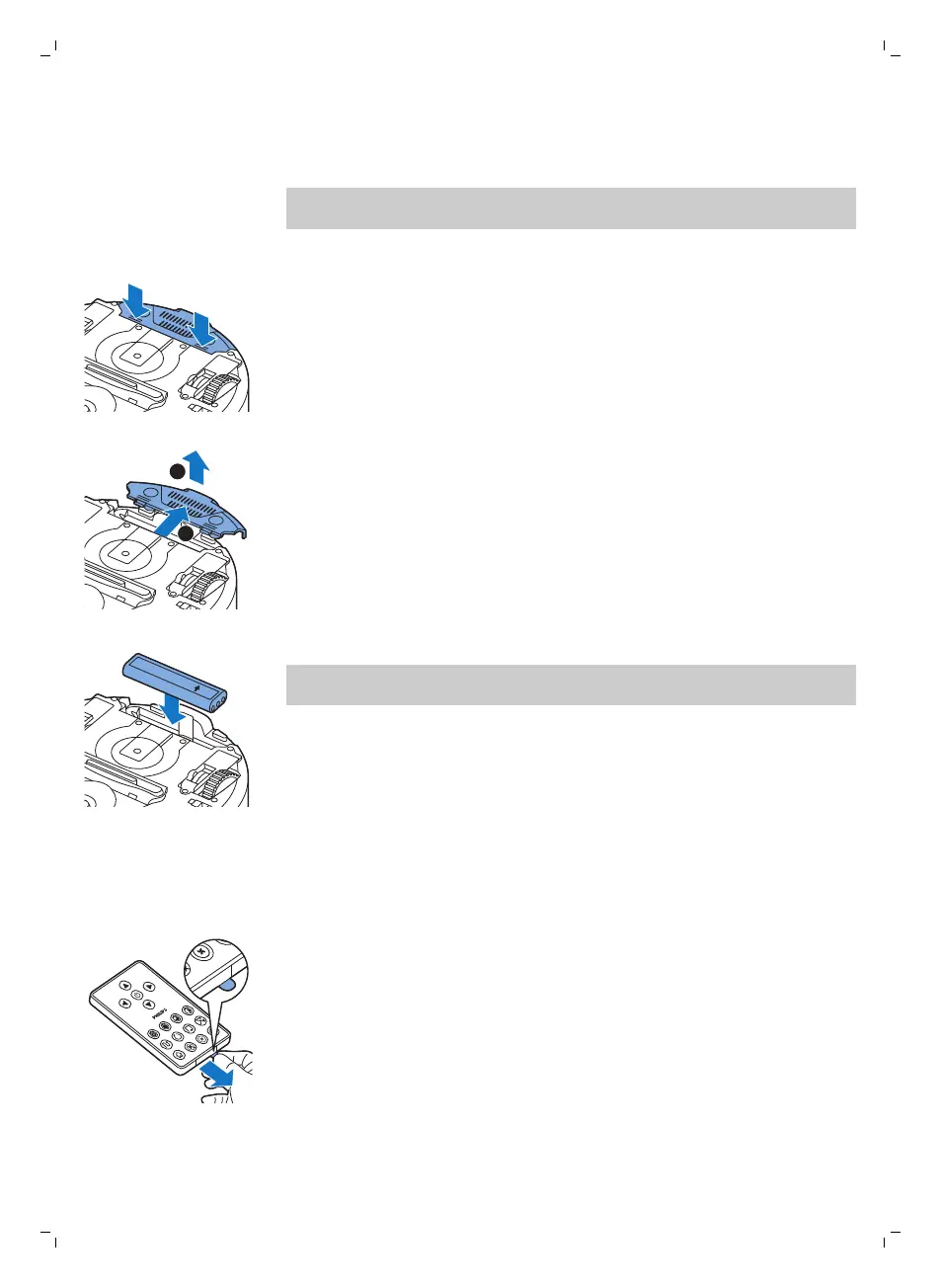
Inserting the rechargeable battery
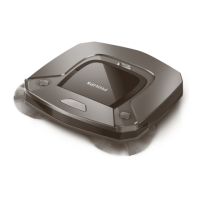
You have to insert te rechargeable battery before use.
Note: Please handle the rechargeable battery with care. Avoid dropping the
battery. This will ensure maximum lifetime for your battery.
1 Press the ribbed sections on the battery cavity cover to unlock it.
2 Slide te battery cavity cover off the robot.
3 Remove the plastic from the rechargeable battery.
4 Insert the rechargeable battery into the battery cavity.
Note: Make sure that the print on the battery points upwards and that the
connectors point in the right direction.
5 Slide the battery cavity cover back onto the robot.
Removing the tag from the remote control
The remote control works on a CR2025 coin-shaped battery. This battery is
protected with a protection tag that has to be removed before use.
1 Pull the battery protection tag out of the battery compartment of the
remote control. Now the remote control is ready for use.
10
English






 To Next Page