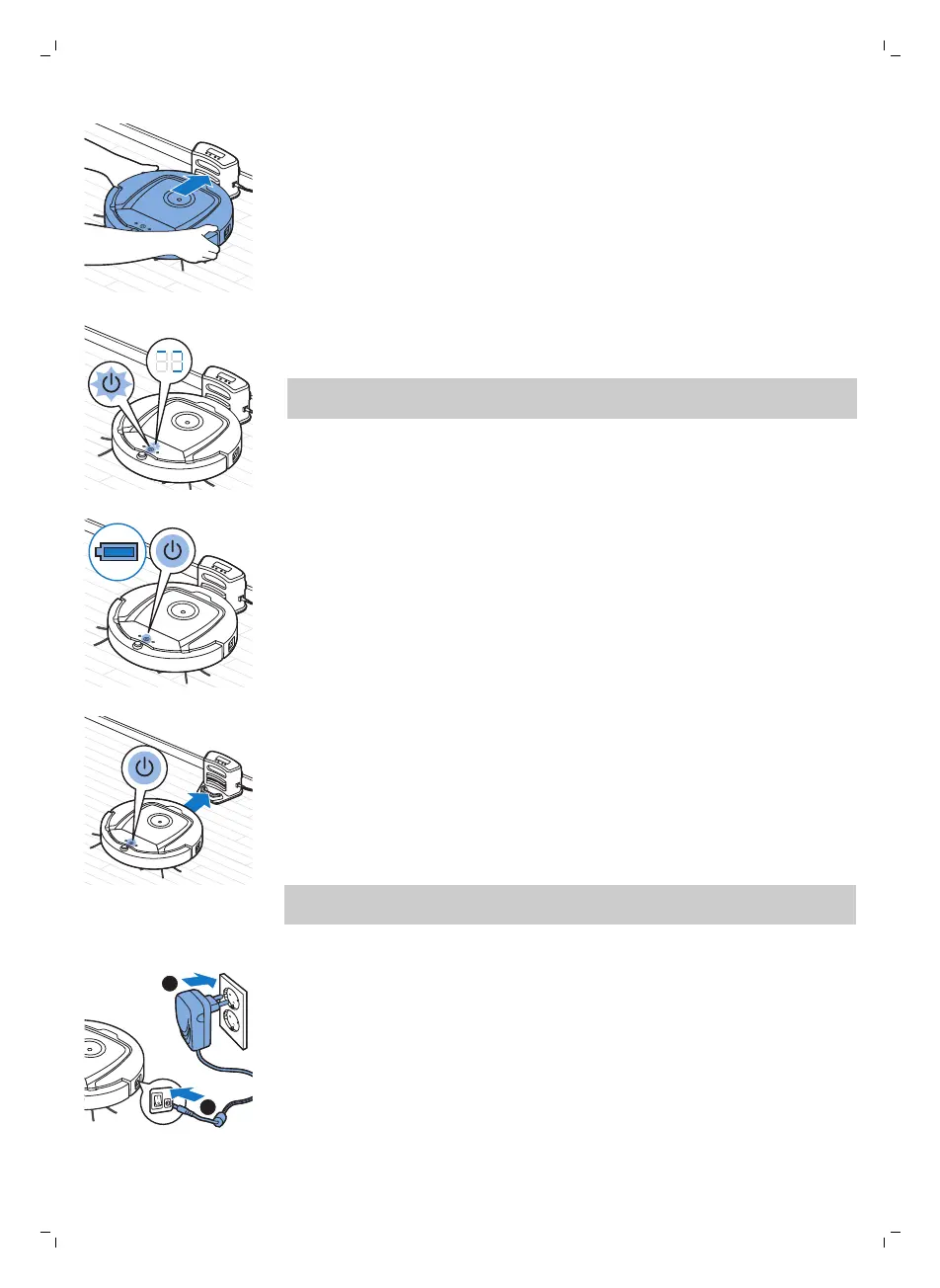
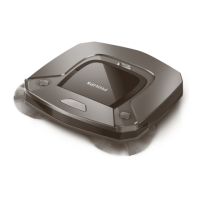
2 Place the robot on the plugged-in docking station.
3 The start/stop button starts flashing.
Note: Because this is the first time you charge the robot, the display of
the robot shows the booting indicator.
4 When the rechargeable battery is fully charged, the start/stop button
lights up continuously.
1 When the robot has finished cleaning or when only 15% of the battery
power remains, it automatically searches for the docking station to
recharge. When the robot searches for the docking station, the light in the
start/stop button turns orange.
2 When the rechargeable battery is fully charged, the start/stop button
lights up continuously.
Note: The robot only searches for the docking station automatically when it
started cleaning from the docking station.
Charging directly from the mains
1 Press
the power switch to switch on the robot.
2 Insert the small plug of the adapter into the socket on the robot (1). Insert
the adapter into a wall socket (2).
3 When the robot is connected to the mains correctly, the start/stop button
starts flashing slowly. This indicates that the robot is charging.
4 When the rechargeable battery is fully charged, the start/stop button
lights up continuously.
12
English
Charging automatically during use






 To Next Page