EN
20
Configuring the ADSL Wireless Base Station
ADSL / Internet settings
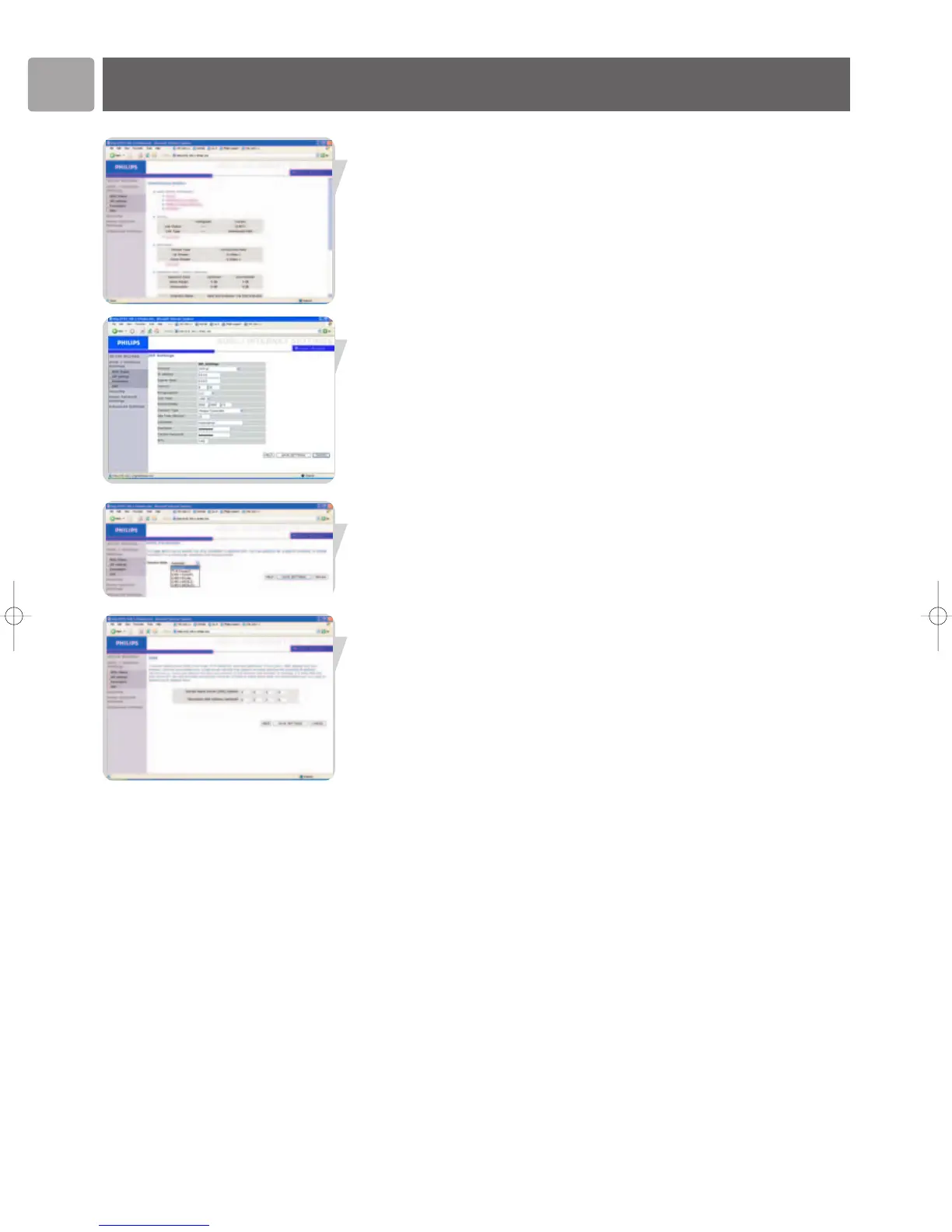
ADSL Status
Click on ‘ADSL Status’ which is located on the left side of the screen. The left-hand
side displays the main menu and the right-hand side shows descriptive information.
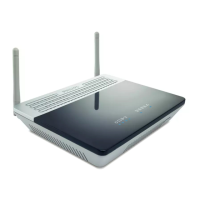
ISP settings
Enter the ATM (Asynchronous Transfer Mode) virtual connection parameters here.
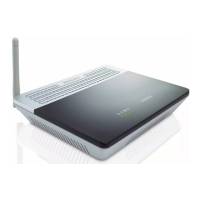
Parameters
This page allows you specify the ADSL standards to operate with. You may explicitly
set specific standard, or choose ‘Automatic’ to automatically negotiate with remote
DSLAM.
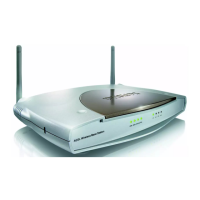
DNS
Domain Name Servers (DNS) are used to map a domain name (e.g.,
www.philips.com) with the IP address (e.g., 64.147.25.20). The DNS address is usually
configured automatically. If this is not the case, one or more DNS address will be
provided to you by your ISP.


 To Next Page