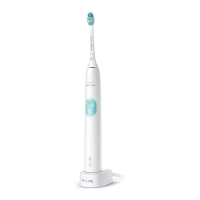
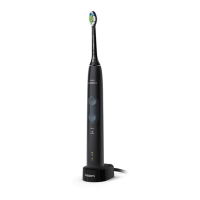
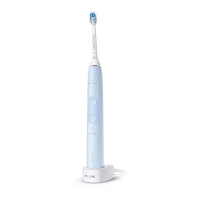
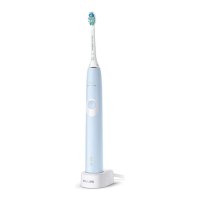
Depending on the brushing mode you have selected (see 'Brushing
modes'), the Quadpacer beeps at different intervals during the
brushing cycle.
Activating or deactivating features
You can activate or deactivate the following features of your
toothbrush:
- EasyStart
- Brush head replacement reminder
- Pressure sensor
To activate or deactivate these features, follow the instructions
below:
EasyStart
1 Put the handle on the plugged-in charger.
2 Press and hold the power on/off button while the handle remains
on the charger.
3 Keep the power on/off button pressed until you hear a single
short beep (after 2 seconds).
4 Release the power on/off button.
-
Triple tone of low-med-high means the EasyStart feature has
been activated. The brush head replacement light and battery
light will also blink green 2 times in unison to confirm activation.
-
Triple tone of high-med-low means the EasyStart feature has
been deactivated. The brush head replacement light and
battery light will also blink amber 2 times in unison to confirm
deactivation.
Note: To achieve clinical efficacy, EasyStart needs to be deactivated.
Brush head replacement reminder
1 Put the handle on the plugged-in charger.
2 Press and hold the power on/off button while the handle remains
on the charger.
3 Keep the power on/off button pressed until you hear a series of
two short beeps (after 4-5 seconds).
16
English



 To Next Page
 Loading...