This chapter shows you how to create a
wired connection to a home network with
automatic IP address.
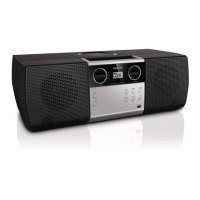
1 Use an Ethernet cable (sold separately) to
connect the WAC7500 to the access point
or router that connects to your home
network with broadband Internet access.
2 Turn on your wireless access point or
wireless router with broadband Internet.
3 Turn on the WAC7500.
4 On the item, press MENU .
5 Select [Settings] > [Network] > [Wired]
> [Static] and conrm.
6 Enter the static IP address with the remote
control and conrm with OK .
7 Select (Apply settings?) [Yes] and conrm.
The WAC7500 displays a conrmation
screen
that the settings are saved.
»
EN














 To Next Page