8 Record from
HD to USB
You can record music les from the HD
(harddisk) of the WAC7500 to a ash memory
USB device.
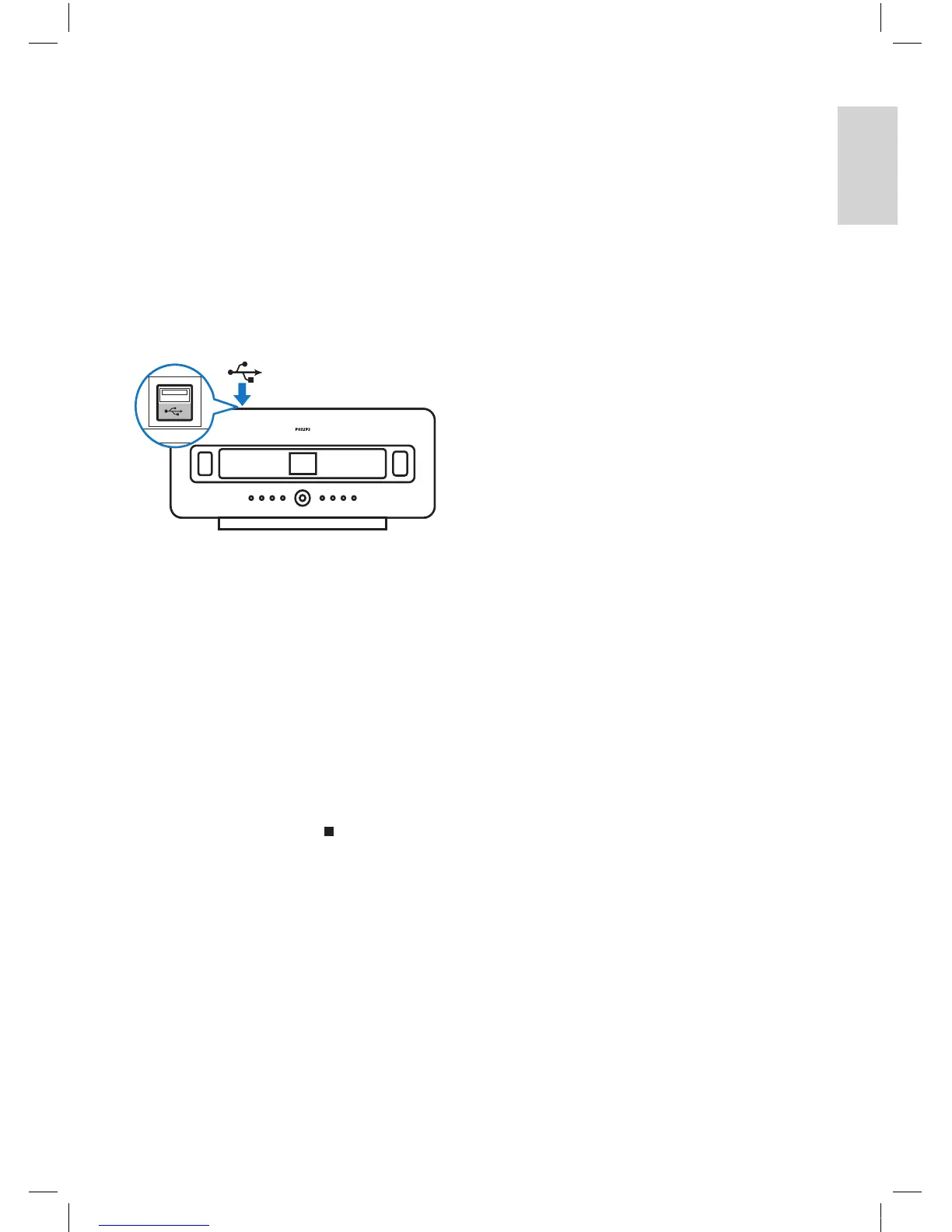
1 Insert the USB plug of the USB device into
the USB socket of the WAC7500:
Use the remote control of the WAC7500
for the following steps:
2 Press HD .
3 Press REC.
4 Press MARK/UNMARK to select/deselect
tracks. (By default the WAC7500 records
all
tracks of the HD when no tracks are
marked.)
Press
MARK/UNMARK f
or 2 seconds
to select/deselect all tracks.
5 Press RECto start recording.
6 To stop recording, press .
•
Alphanumeric search
English
EN














 To Next Page