EasyManua.ls Logo

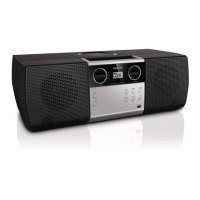
Philips STREAMIUM WAC7500 - 2 Your Wireless Music Center; Overview; Front View; Top View

Philips STREAMIUM WAC7500
69 pages
Print Icon
To Next Page IconTo Next Page
To Previous Page IconTo Previous Page
Loading...
7
Press briey to toggle between modes
Standby and On.
Press and hold to toggle between
modes On and Eco Standby (power-
saving mode).
o
RECORD record
p INCREDIBLE SURR
OUND SOUND
q MUSIC BR
OADCAST
Note
The illumination of one corner of the casing is a design
element.
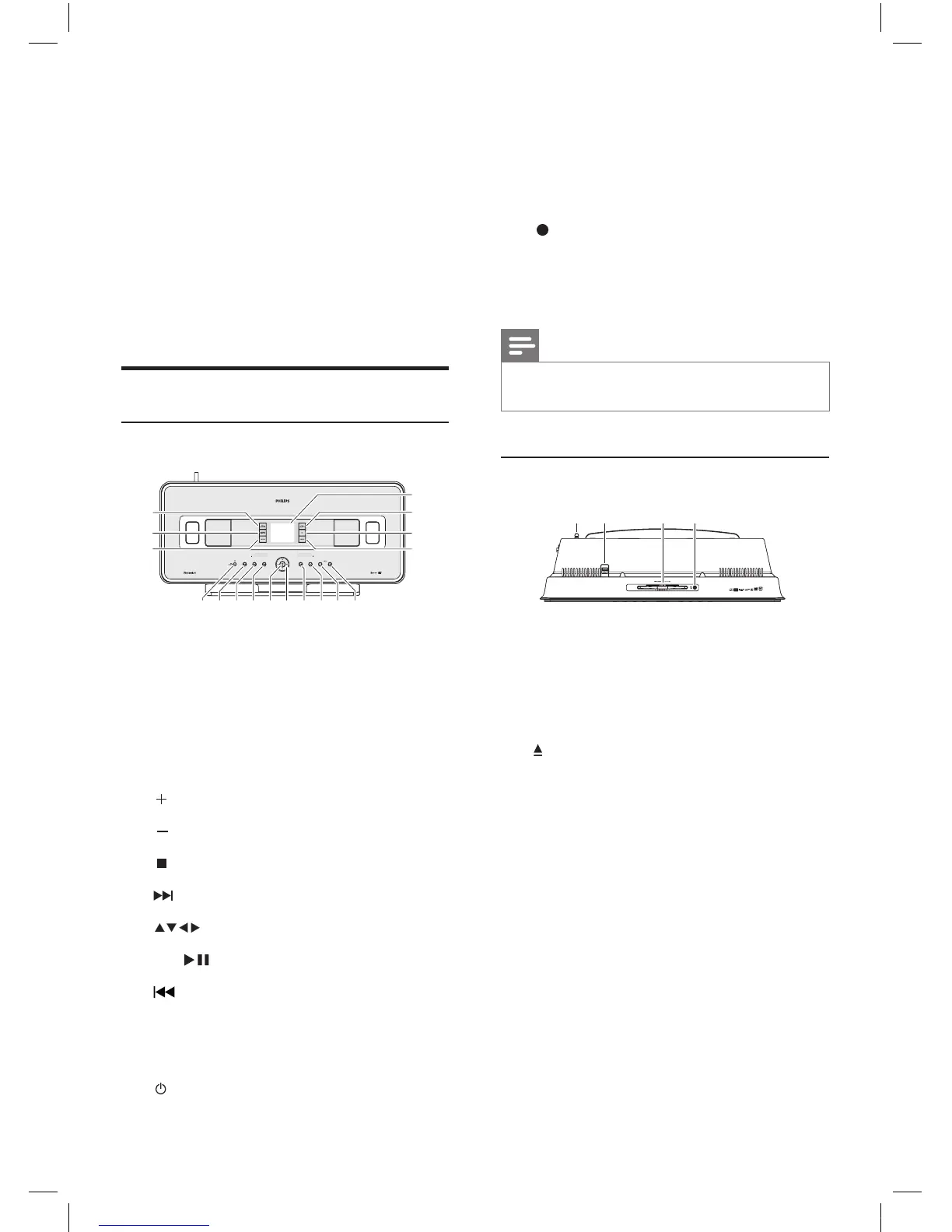
Top view
a Wi-Fi antenna
b USB jack
c CD slot (inser
t CD facing you)
d
eject CD
a b c da b c d
2 Your Wireless
Music Center
Congratulations on your purchase and welcome
to Philips!
To fully benet from the support that Philips
off
ers, register your product at www.philips.
com/welcome.
Overview
Front view
a LCD (display)
b MUSIC FOLLO
WS ME
c DBB Dynamic Bass Boost
d SMAR
T EQ Smart Equalizer
e
VOLUME increase volume
f
VOLUME decrease volume
g
stop
h
skip forward
i
navigate left/right/up/down
j OK/
conrm / play/pause
k
skip back
l MENU
m HOME
n
On / Standby / Eco Standby
hij gfenmlk
a
b
c
d
q
p
o
hij gfenmlk
a
b
c
d
q
p
o
EN
wac7500_um_01eng.indd 7 14-08-08 16:29:37

Table of Contents

Related product manuals