all tracks of the CD when no tracks are
marked.)
Long
press MARK/UNMARK
to
select/deselect all tracks.
4 Press REC to start ripping.
5 To rip another CD, repeat above steps 1 to
4.
6 To stop ripping, press .
Tip
For information about how to change the rip quality,
see chapter Settings.
•
Record music
You can record from 2 different sources.
1 Press
AUX
to record from an external
device.
FM TUNER
to record from FM radio.
2 Press REC .
3 To stop recording, press .
•
•
•
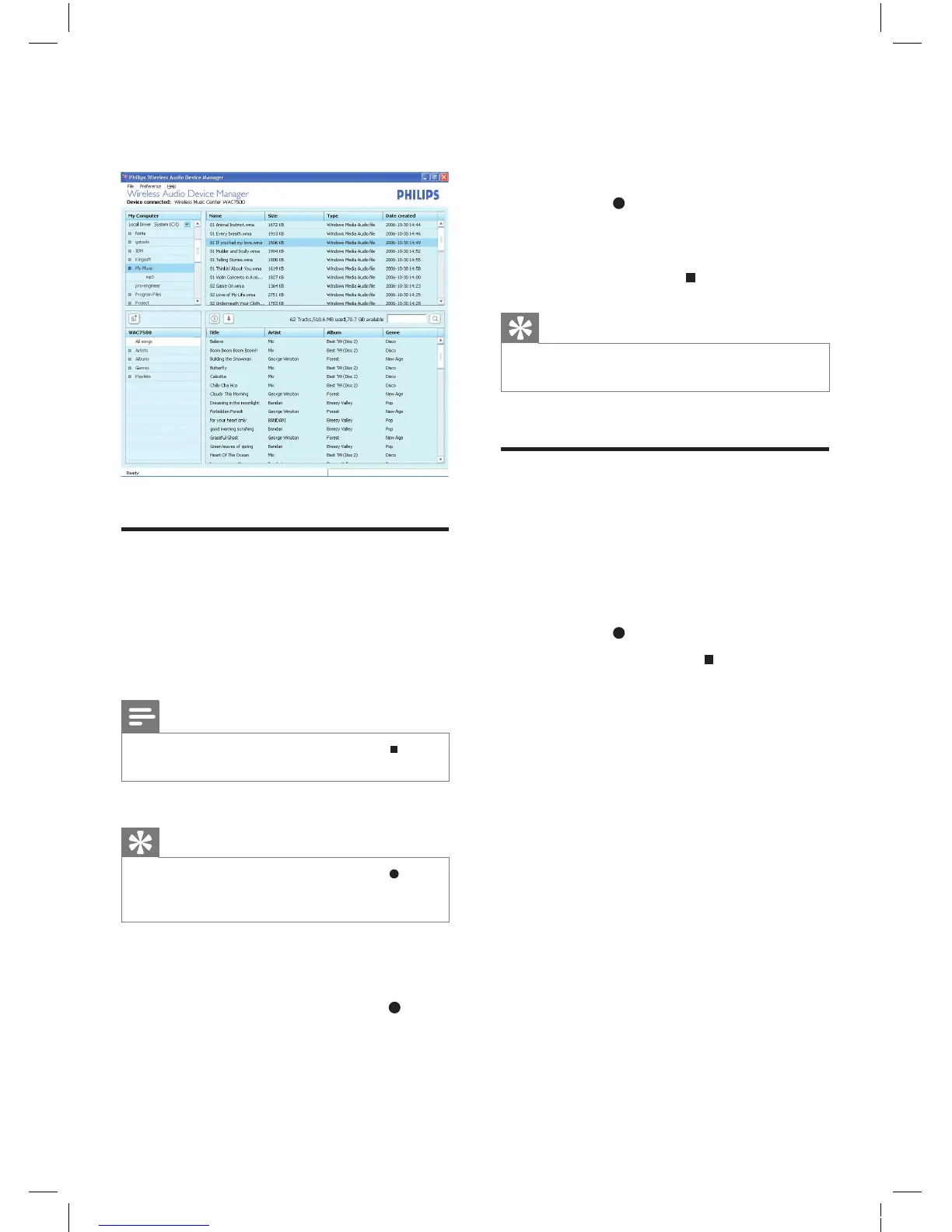
3 Drag and drop selected le(s) to
WAC7500 (bottom window).
Rip music from CDs on the
WAC7500
Rip from a CD to the harddisk of the
WAC7500 at high speed:
(Audio CD, MP3/WMA CD)
Note
While the WAC7500 is ripping, only the stop
function is available.
•
Tip
You can rip while you listen, if you press REC during
play.
•
•
1 On the WAC7500, insert CD with printed
side facing you.
2 In the track list screen, press REC .
3 Press MARK/UNMARK to select/deselect
tracks. (By default, the WAC7500 rips
EN














 To Next Page