6 HD (Hard Disk)
6.1 Play HD Music
Music is centrally stored in the 80GB HD (Hard Disk) on the . All the stored music can be
streamed and played on via Wi-Fi.
1 Check that or is switched ON or in Standby mode (see 5 Basic functions).
2 Press HOME and select HD Music (or press HD on remote control).
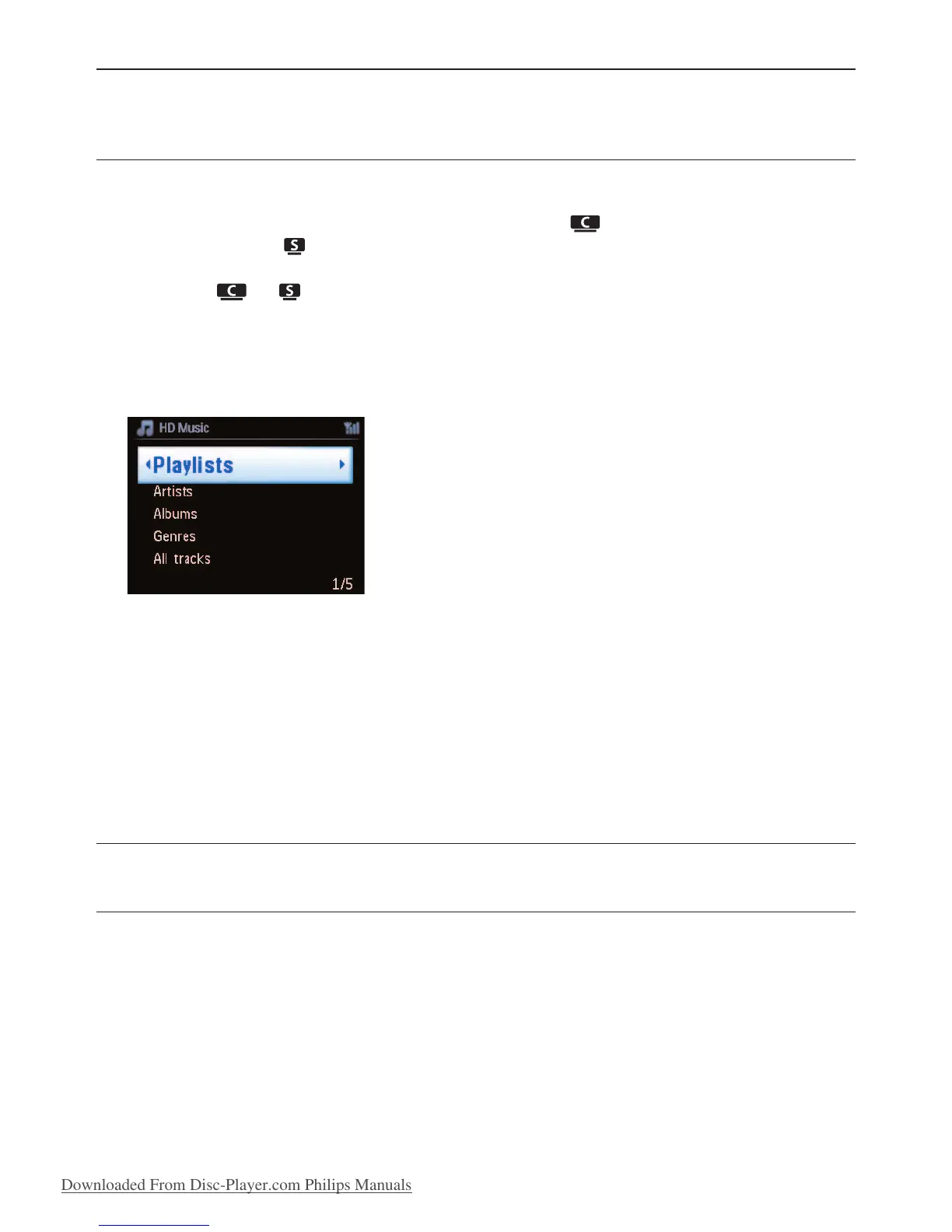
> Display shows HD Music and the categories of your music library: Playlists, Artists, Albums,
Genres, All tracks.
Playlists: customizable collection of your favorite tracks sorted by playlist name in
alphanumeric order.
Artists: collection of albums sorted by artist name in alphanumeric order.
Albums: collection of albums sorted by album name in alphanumeric order.
Genres: collection of albums sorted by music style (only if album information available).
All tracks:All tracks sorted by track name in alphanumerical order.
3 Use 3 or 4 and 2 to select your option.
6.2 Search
6.2.1 Search by keywords
The keyword should be the first letter or word in the title of the track you wish to search for: By
entering a keyword, you can quickly find all the items beginning with the keyword you entered
(note that this feature is case sensitive).
1 Navigate 1 / 2 / 3 / 4 to enter desired option list of tracks, albums or playlists.
2 On remote control, press SEARCH
> Display: text box appears
Hard Disk
36







 To Next Page