11.4 Connect to two different home networks
WACS7500 can be added into two different home networks via wired and wireless network ports.
Note that the IP addresses of the two different network ports cannot be in one subnet:WACS7500
has no router function and cannot determine which port to use.
Note
Once is added to the Wi-Fi network, all Wi-Fi ad-hoc connections with the WAC7500 will be
shut down.
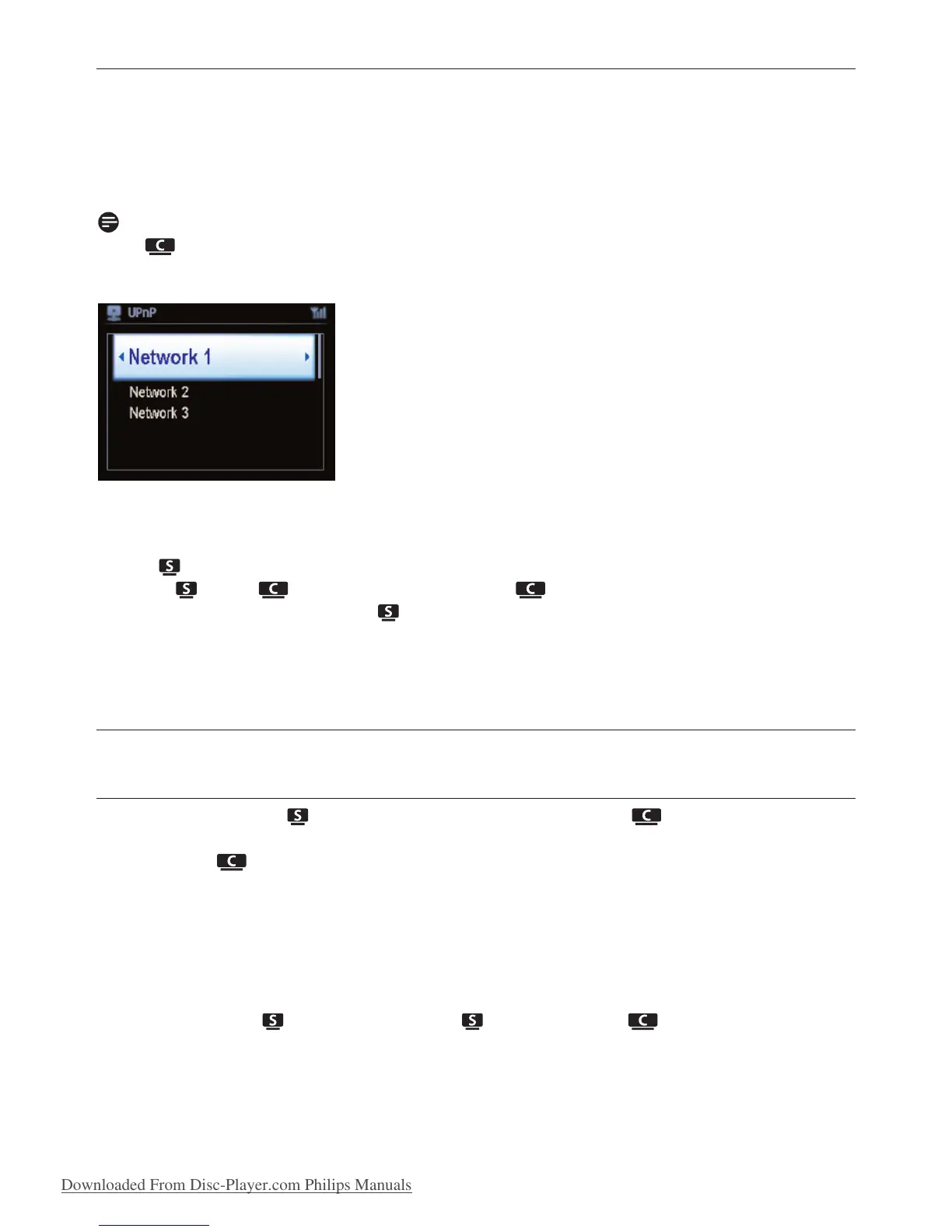
Applicable if you have two home networks.
Once a is added to the Wi-Fi (wireless) home network, the Wi-Fi wireless connection of this
particular to the will be shut down. However may still maintain its Wi-Fi ad-hoc
connection with one or more other .
WACS7500 cannot shadow the IP of a network device that is not activated. Please be careful of the
IP address settings to avoid IP address conflict between the wired and Wi-Fi ports.
11.5 View connection status
11.5.1 View Station ( ) status in Wi-Fi network of Center ( )
1 Check that is in HD source.
2 Press MENU to enter the menu screen.
3 Use 3 or 4 and 2 to enter Station Management (Mgnt) menu.
4 Use 3 or 4 and 2 to select Station Status.
> A list of connected or previously connected is displayed on the .
5 Press 2 to view the connection information.
Network settings
72















 To Next Page