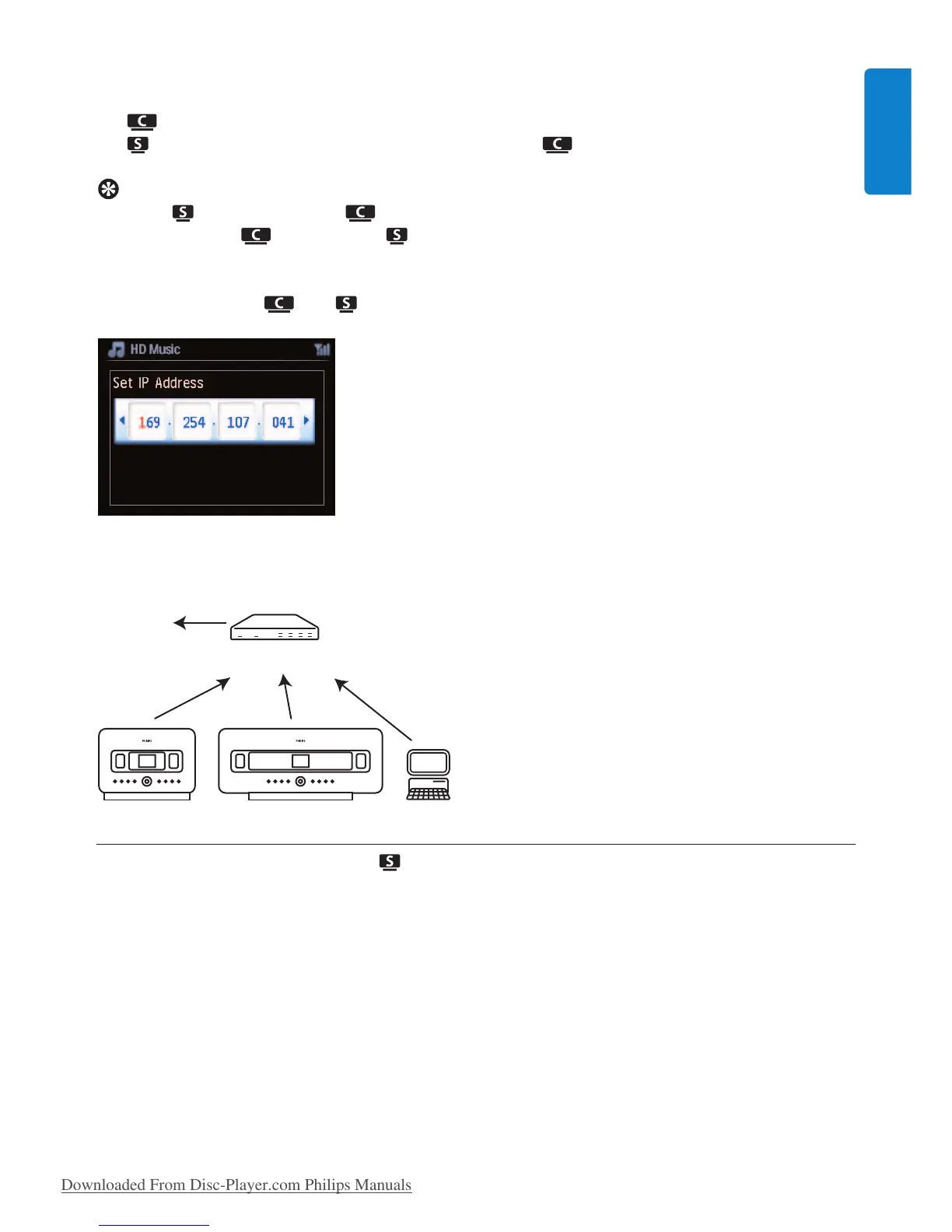
7 As prompted, select Ye s to apply the settings.
is connected to the Wi-Fi home network.
might be disconnected from the Wi-Fi network of .
Tip
• To add to the network of , follow the steps under user manual section 3.1 Installation:
Install Center and Station .
• If you change the WEP/WPA key after you have added the WACS7500 into your home network,
the connection between the WACS7500 and your home network will be lost. In this case, please
restart WACS7500 and in order to refresh the IP update.
Applicable if you already have a wireless network (hub/switch/router).
11.2.2 Set network on Station ( )
1 Press MENU to enter the menu screen.
2 Use 3 or 4 and 2 to enter Settings followed by Network, then Wireless.
3 Press 2 to continue.
> Display: Searching for Networks…
List of networks appears. (Network Not Found appears if no network is found.)
4 Select the Wi-Fi network where your desired UPnP device is located.
5 Press 2 to continue.
Wireless
Router
www
Network settings
69
ENGLISH







 To Next Page