8 FM radio
8.1 Tune radio stations
1 Connect the supplied FM wire antenna to and (see 3 Installation).
2 Ensure that the set is switched on or in Standby mode (see 5 Basic functions).
3 Press HOME once or more times to select Radio.
> Playback screen appears.
Display: Radio, radio station frequency and preset number (if programmed).
4 Press & hold 3 or 4 until frequency in display starts running.
> The radio automatically tunes to a station of sufficient reception.
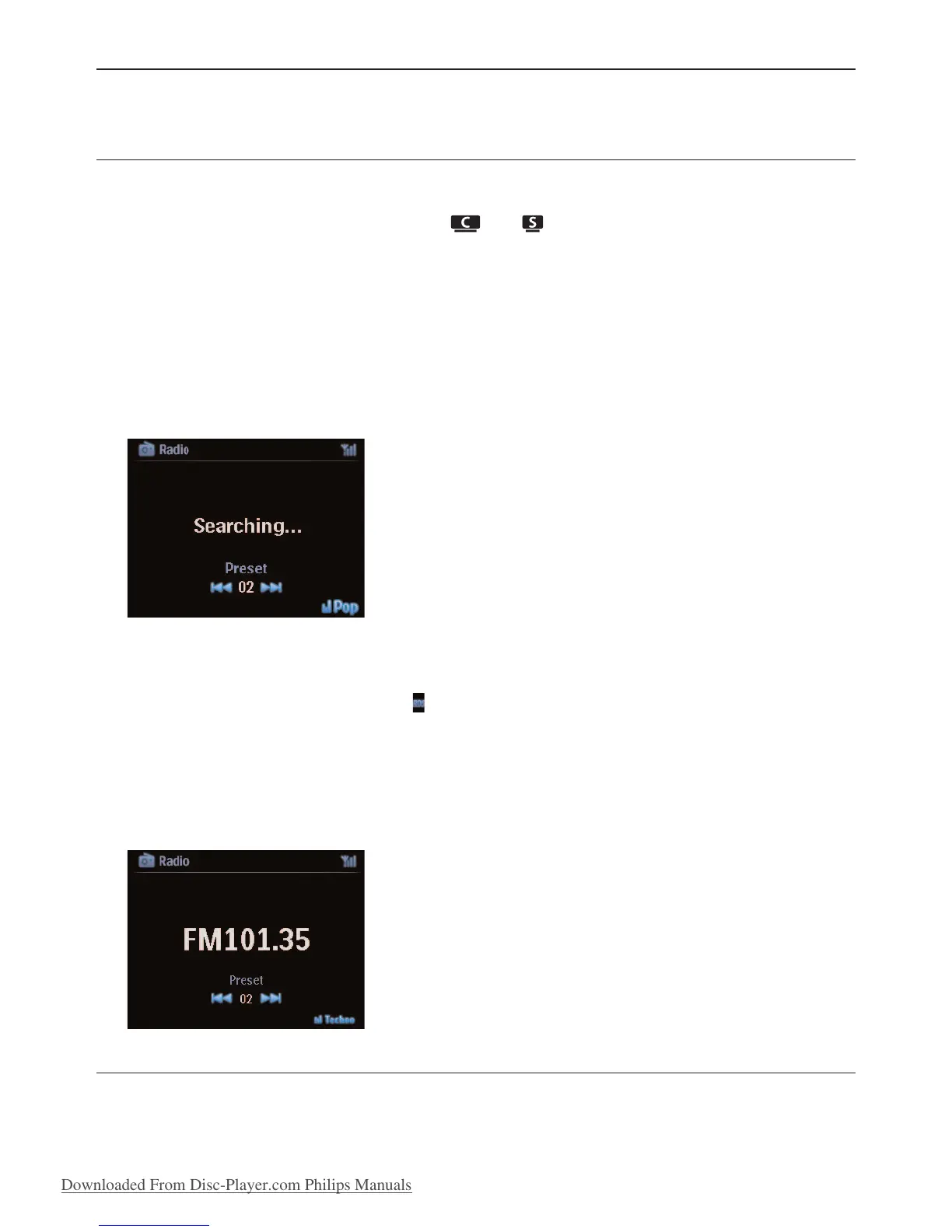
Display during automatic tuning: Searching…
When you are receiving an RDS station, is shown.
5 Repeat tuning process until you find the desired radio station.
6 To tune to a weak station, press 3 or 4 briefly and repeatedly until you have established
optimum reception.
8.2 Store preset radio stations
You can store up to 60 radio stations in the preset memory.
FM radio
52







 To Next Page