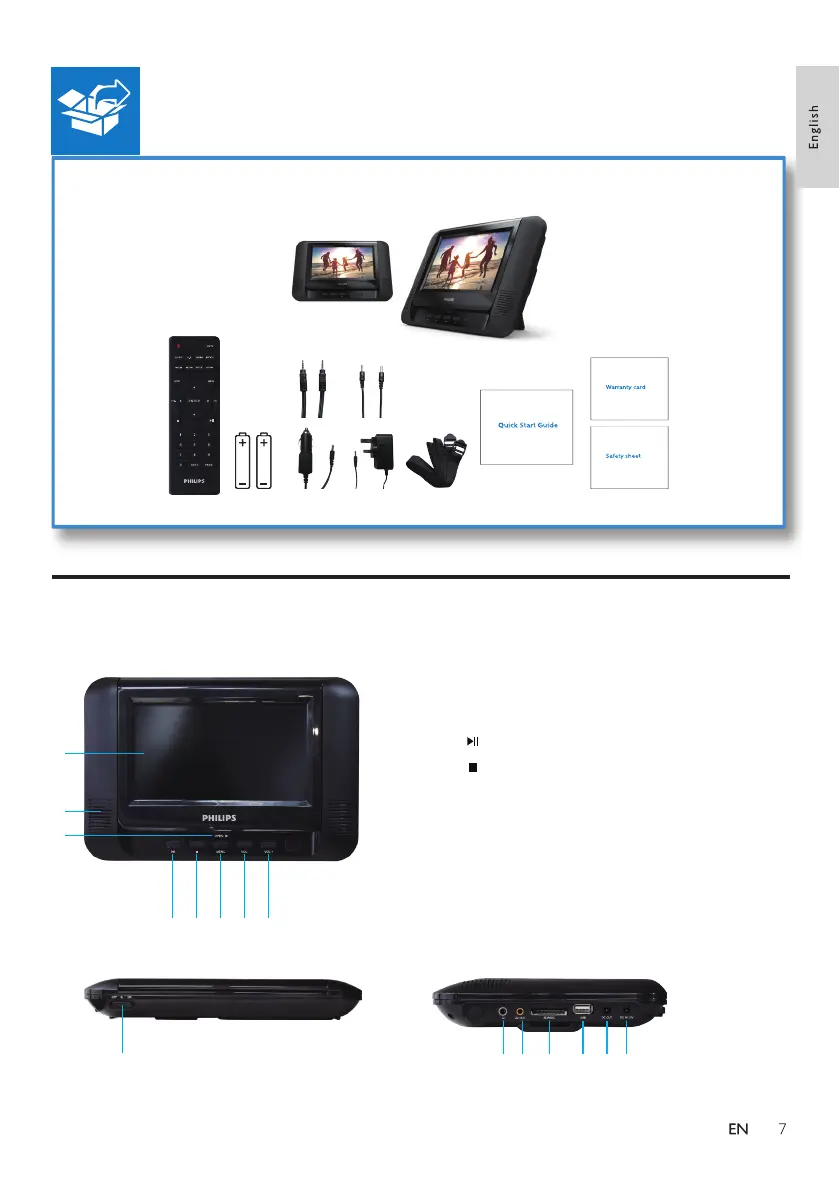
1.LED Display
2.Speakers
3.OPEN : Open the disc compartment.
4. : To Start, pause or resume play.
5. : Press to stop disc play.
6.MENU : Press to the main menu of the disc.
7.VOL- : Press to reduce the volume.
8.VOL+ : Press to increase the volume.
Overview of the main unit
4 5 6
1
2
3
7 8
10 11 12 13 14 15
9



 To Next Page