8 EN
6 Other features
Set alarm time
Set alarm
Note
•
You can only set the alarm in standby mode.
• Make sure that you have set the clock correctly.
1 In standby mode, press and hold AL1 or AL2
for more than 2 seconds to set alarm time.
2 Press HR to set hour and MIN to set minute,
then press AL1 or AL2
3 Press TUN to set alarm type (daily, once,
AL1 or
AL2
4 Press TUN to set an alarm source (FM,
AL1 or AL2 to
5 Press TUN to set the volume level, then
press AL1 or AL2
Tip
•
The unit exits alarm setting mode when being idle for 15
seconds.
Activate/deactivate alarm timer
Press AL1 or AL2 repeatedly to activate or
deactivate the alarm timer.
If the alarm timer is activated, the alarm
indicator turns on.
If the alarm timer is deactivated, the alarm
indicator turns off.
The alarm repeats ringing for the next day.
To stop the alarm, press the coresponding
AL1 or AL2.
Snooze the alarm
When the alarm sounds, press SNOOZE.
The alarm snoozes and repeats ringing 9
minutes later.
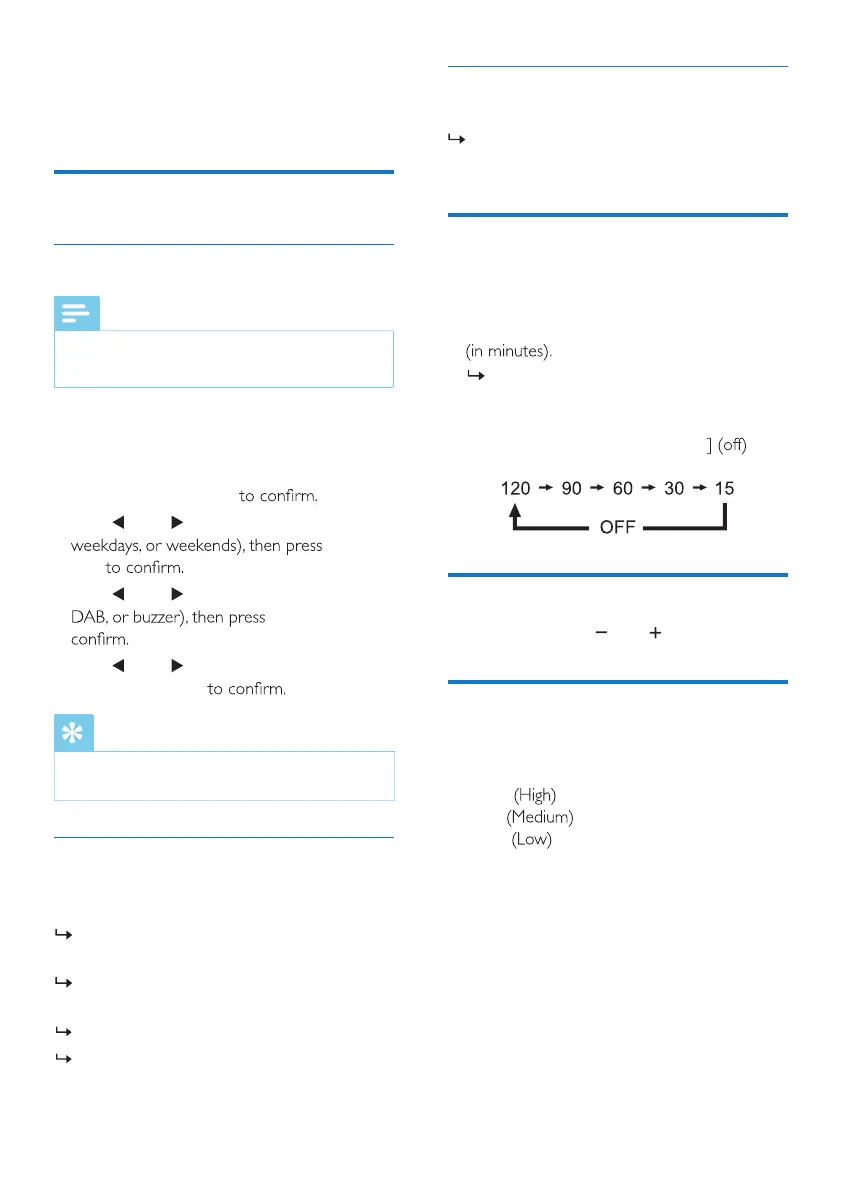
Set sleep timer
This clock radio can switch to standby mode
automatically after a preset period.
• Press SLEEP repeatedly to select a period
The clock radio switches to standby mode
automatically after the preset period.
To deactivate the sleep timer:
• Press SLEEP repeatedly until [OFF
appears.
Adjust volume
While listening, press VOL to adjust volume.
Adjust display brightness
Press BRIGHTNESS repeatedly to adjust the
display brightness.
• HIGH
• MED
• LOW



 To Next Page