User Guide
38
Deleting a Timer
1Tap and hold the Pronto NG icon in the upper left corner of the
touch screen for 3 seconds. The Tools Menu appears.
2Tap in the Tools Menu.
The ‘Timer Tool’ information screen appears.
3Tap .
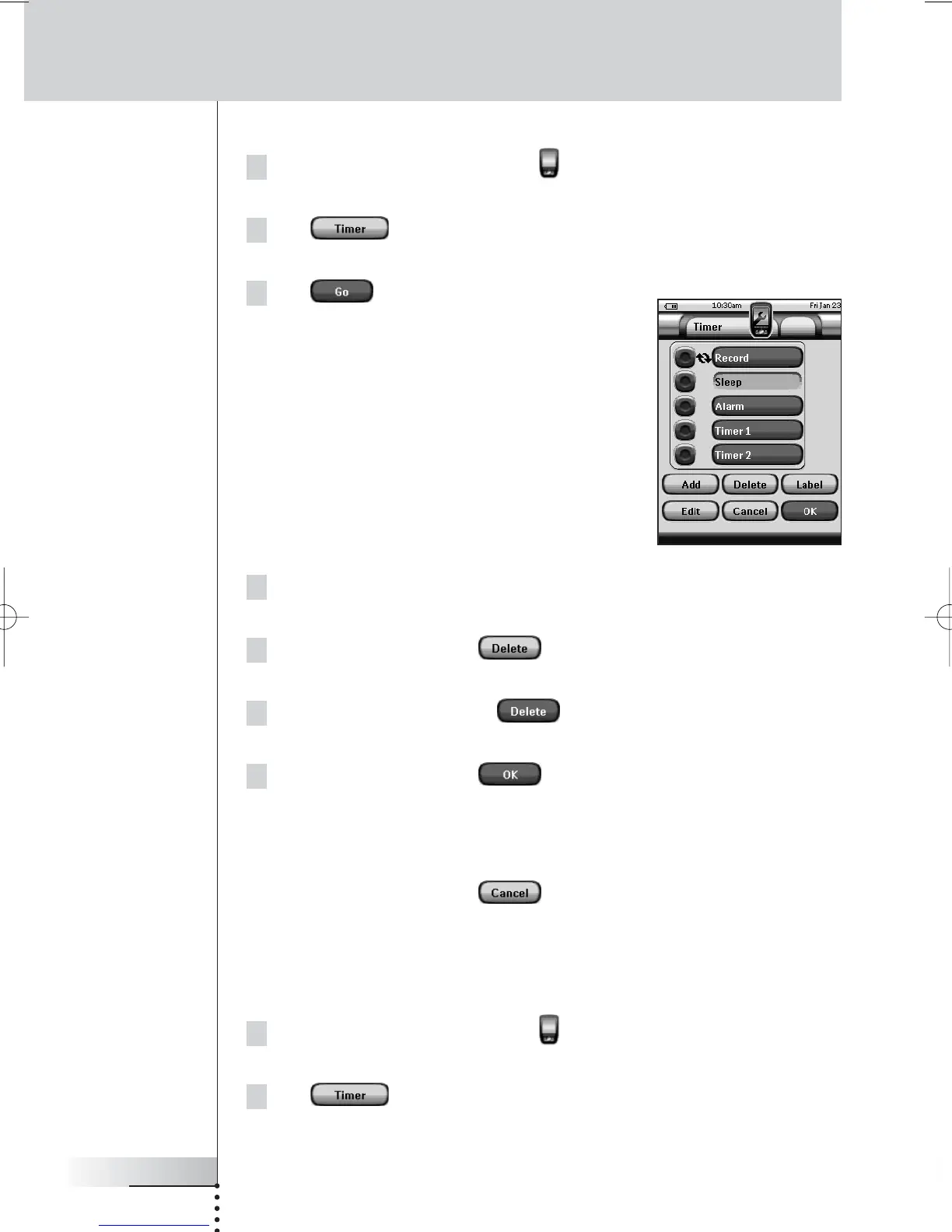
The ‘Timer’ screen appears.
4Tap the label of the timer you want to delete.
The timer is highlighted.
5 In the ‘Timer’ screen, tap .
A message screen appears.
6 In the message screen, tap .
The timer is deleted from the list.
7 In the ‘Timer’ screen, tap .
The ‘Timer’ screen closes and the Tools Menu appears again. The timer is
deleted.
-or-
In the ‘Timer’ screen, tap .
The Timer screen closes without deleting the Timer.
Labeling a Timer
The default name for a timer is ‘Timer’ followed by a number, for example Timer 5.
1Tap and hold the Pronto NG icon in the upper left corner of the
touch screen for 3 seconds. The Tools Menu appears.
2Tap in the Tools Menu.
The ‘Timer Tool’ information screen appears.
Using the Power Features





 To Next Page