User Guide
43
Using the Power Features
3 If you want to set an end date for the repeating timer, select the
End Date check box.
The End Date is enabled.
4 Define the End Date, as described in ‘Setting the Start Date’ on
page 40.
The End Date is defined.
-or-
To change the setting to ‘No’, tap the button again.
The timer will not be repeated.
3 In the ‘Repeat Settings’ screen, tap .
The ‘Editing Timer’ screen appears again. Feedback about the repeat settings
is provided below the button.
Activating Timers
Note You can only activate timers if the start time is in the future and a start action is
defined for the timer.
1Tap and hold the Pronto NG icon in the upper left corner of the
touch screen for 3 seconds. The Tools Menu appears.
2Tap in the Tools Menu.
The ‘Timer Tool’ information screen appears.
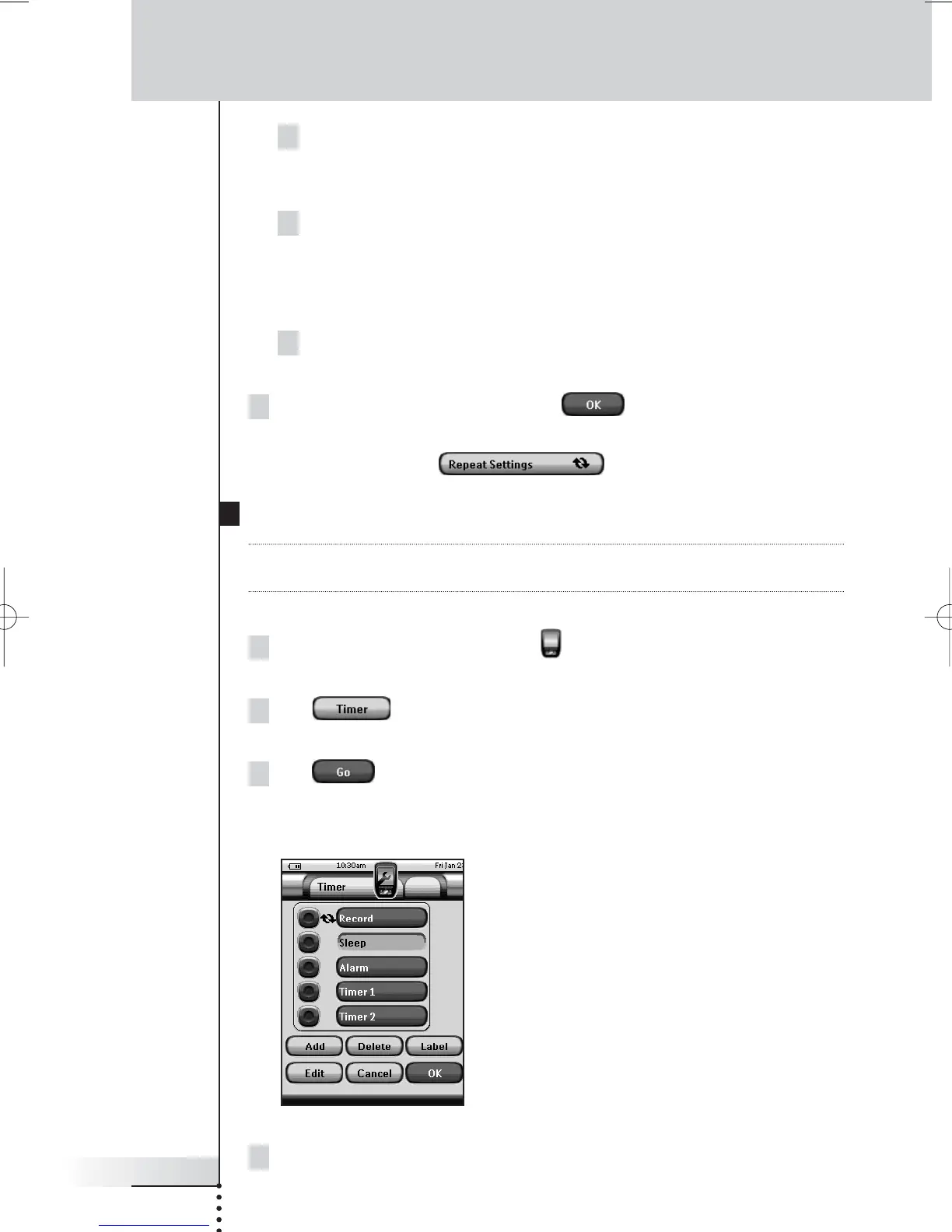
3Tap in the ‘Timer Tool’ information
screen.
The ‘Timer’ screen appears.
4Tap the check box in front of the timer that you want to activate.
The timer is activated.





 To Next Page