EasyManua.ls Logo

Philips waS7500 - Service Test Program; Entering and Navigating Service Mode; Hardware and Key Testing

Philips waS7500
43 pages
Print Icon
To Next Page IconTo Next Page
To Previous Page IconTo Previous Page
Loading...
SERVICE TEST PROGRAM
5 - 1
5 - 1
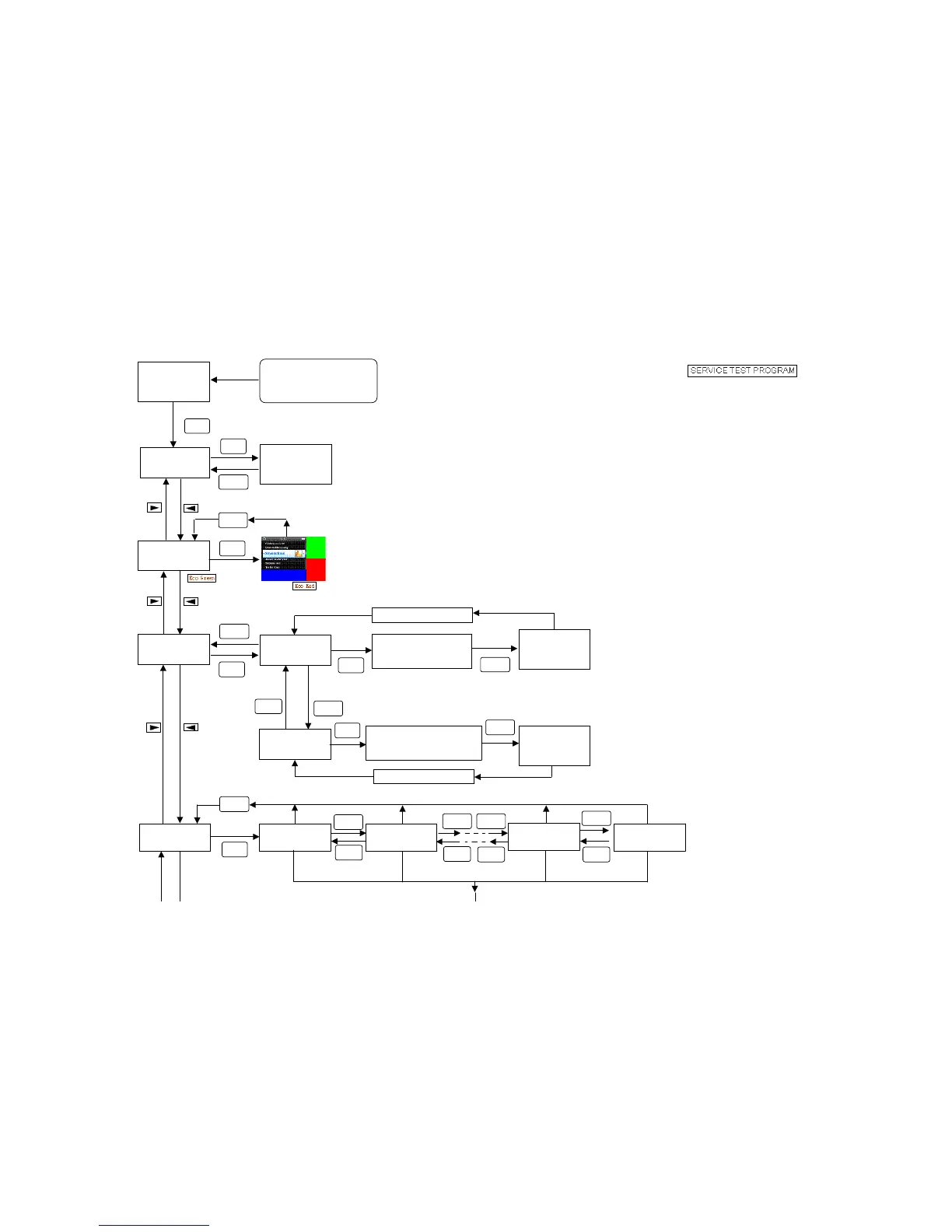
To enter service mode,keep
OK key depressed while
p
lugging the main AC cord
i
Display shows
Welcom to FSM
Ver: x.x
OK
Display shows
1.HW Test
Display shows
HW Result
111111
Display shows
2.LCD Test
Display shows
3.KEY Test
Display shows
4.WiFiSetting
VOL
VOL
OK
STOP
OK
STOP
OK
STOP
Display shows
3.1Keypad Test
Test all keys on pannel
(Disolay shows key
name
OK
Display shows
Key Test OK
(or Fail)
STOP
Press STOP key twice
Display shows
3.2 RC6 Test
Test all keys on remote
control
(
Disola
y
shows ke
y
name
)
OK
Display shows
RC6 Test OK
(or Fail)
Press STOP key twice
STOP
Display shows
4.1 Channel1
Display shows
4.2 Channel2
Display shows
4.10 Channel10
Display shows
4.11 Channel11
STOP
OK
VOL
VOL
VOL
VOL
VOL
VOL
VOL
VOL

Related product manuals