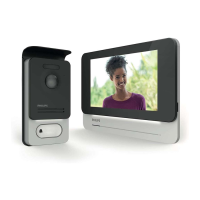
WelcomeEye / Link / V1
F6
and ll in the elds requested. Don’t forget to ll in the captcha.
Conrm “s’inscrire” (register).
H. You will receive an email conrming that you have created an account. Conrm the link
received. (Remember to check your spam or junk folder).
Return to the app, and click “ok”, then “Connexion”
I. On the home page, press “ajouter un appareil” (add a device), then click on the QR
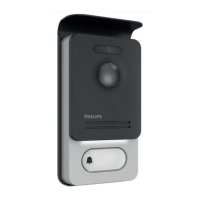
Code icon and scan the CQ code on the side of the intercom panel.
(Conrm all authorisation requests.)



 To Next Page
 Loading...