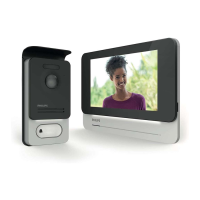
WelcomeEye / Link / V1
F7
J. If your phone cannot scan the code, you can register manually.
On the home page, press “ajouter un appareil” (add a device), select PHILIPS, then
PHILIPS WelcomeHome, and “par choix” (by choice).
K. Click the intercom panel icon and complete the UID for your LECS intercom panel (6
numbers)-(7 letters). Don’t forget the hyphens!
L. The name of your network will be displayed automatically (Be sure to check that it is a
2.4 GHz WiFi network).
Then ll in the password for your WiFi network.



 To Next Page
 Loading...