26 EN
11 Telephone
answering
machine
Note
• Available only for XL305.
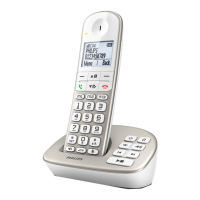
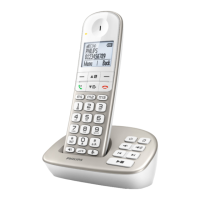
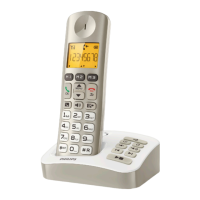
Your phone includes a telephone answering
machine that records unanswered calls when
it is on. You can access the answering machine
remotely and change the settings through the
answering machine menu on the handset.
The button on the base station lights up
when the answer machine is on.
Turn the answering machine
on or off
You can turn the answering machine on or off
through the base station or the handset.
Through the base
Press to turn the answering machine on or
off in standby mode.
Note
• When the answering machine is switched on, it answers
incoming calls after a certain number of rings based on
the ring delay setting.
Through the handset
1 Press /MENU / in standby mode to
access the main menu.
2 Select [ANSW MACHINE] > [VOICE
ANSWER], then press /OK to conrm.
3 Select [ANSWER ONLY]/[RECORD
ALSO]/[OFF], then press /OK to
conrm.
» The setting is saved.
Set the answering machine
language
Note
• This feature only applies to models with multiple-
language support.
The answering machine language is the language
for the announcements.
1 Press /MENU / in standby mode to
access the main menu.
2 Select [ANSW MACHINE] >
[LANGUAGE], then press /OK to
conrm.
3 Select a language, then press /OK to
conrm.
» The setting is saved.
Set the answer mode
You can set the answering machine and
select if the callers can leave messages. Select
[RECORD ALSO]if you allow the callers to
leave messages. Select [ANSWER ONLY] if you
forbid the callers to leave messages.
1 Press /MENU / in standby mode to
access the main menu.
2 Select [ANSW MACHINE] > [VOICE
ANSWER], then press /OK to conrm.
3 Select an answer mode, then press /OK
to conrm.
» The setting is saved.


 To Next Page