33EN
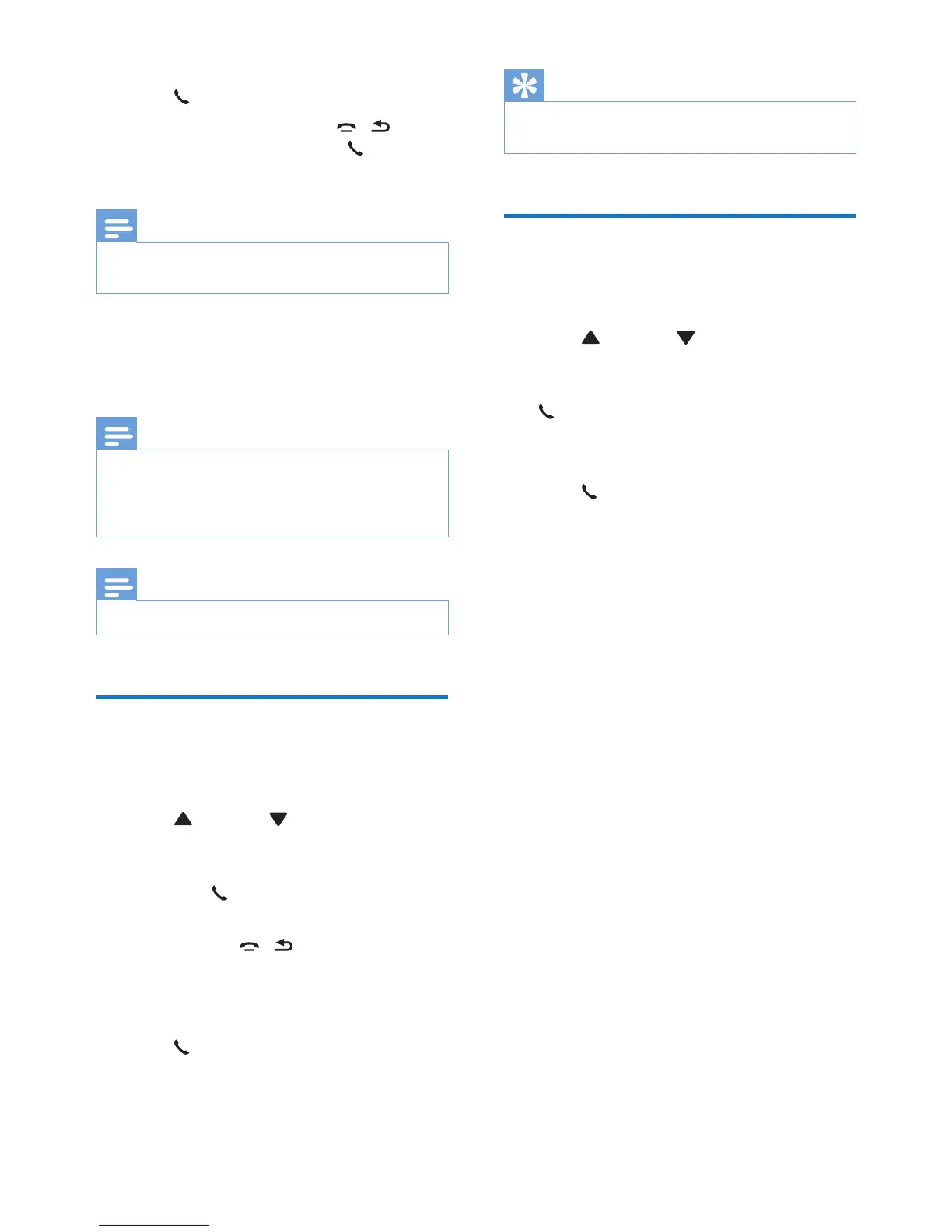
3 Select [SERVICES] > [REGISTER], then
press /OK to conrm.
4 Enter the system PIN. Press / to
make corrections. Then press /OK to
conrm the PIN.
Note
• For models with an answering machine, you hear a
conrmation beep.
» Registration is complete in less than 2
minutes. The base automatically assigns
a handset number to the handset.
Note
• If the PIN is incorrect or no base is found within a
certain period, your handset displays a notication
message. Repeat the above procedure if registration
fails.
Note
• The preset PIN is 0000. No change can be made on it.
Unregister handsets
If two handsets share the same base station, you
can unregister a handset with another handset.
1 Press /MENU / in standby mode to
access the main menu.
2 Select [SERVICES] > [UNREGISTER],
then press /OK to conrm.
3 Enter the system PIN. (The preset PIN
is 0000). Press / to remove the
number.
4 Select the handset number to be
unregistered.
5 Press /OK to conrm.
» The handset is unregistered.
Tip
• The handset number displays beside the handset name
in standby mode.
Restore default settings
You can reset your phone settings to the
original factory settings.
1 Press /MENU / in standby mode to
access the main menu.
2 Select [SERVICES] > [RESET], then press
/OK to conrm.
» A conrmation request is displayed on
the handset.
3 Press /OK to conrm.
» All settings are reset.


 To Next Page