20
3. If using POLY-OUT film
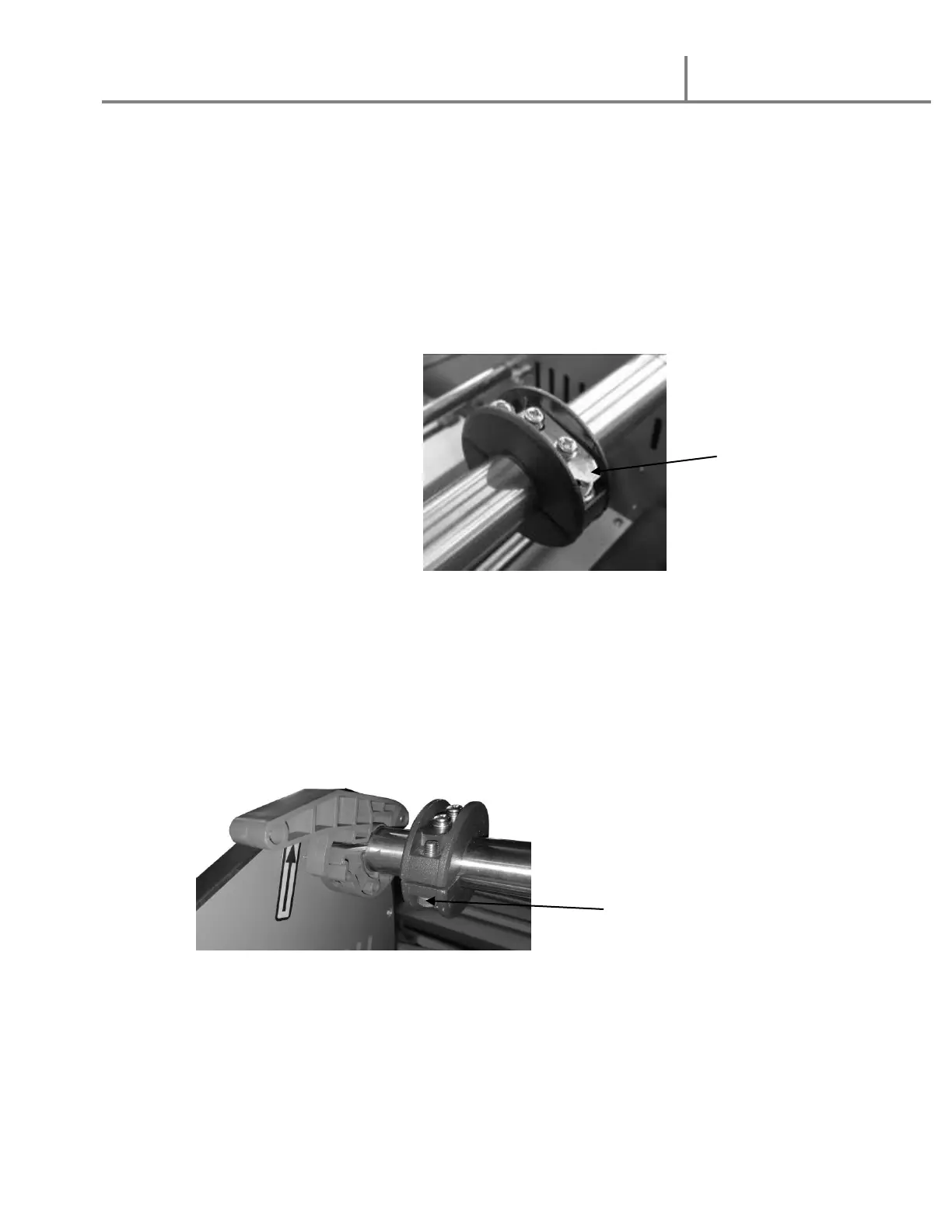
f. Select Four (4) 2 ¼” core adaptors
g. Slide Two (2) core adaptors onto the TOP shaft with the core clips
pointing toward the REAR of the machine when the clips are on TOP and
the shafts are in place.
h. Slide Two (2) core adaptors onto the BOTTOM shaft with the core clips
pointing toward the FRONT of the machine when the clips are on TOP
and the shafts are in place.
4. Position each core adaptor 50 mm (2 inches) inside the edge of the film roll
width as noted on the supply shaft.
5. Tighten the two (2) core adaptor screws on each core adaptor.


 To Next Page