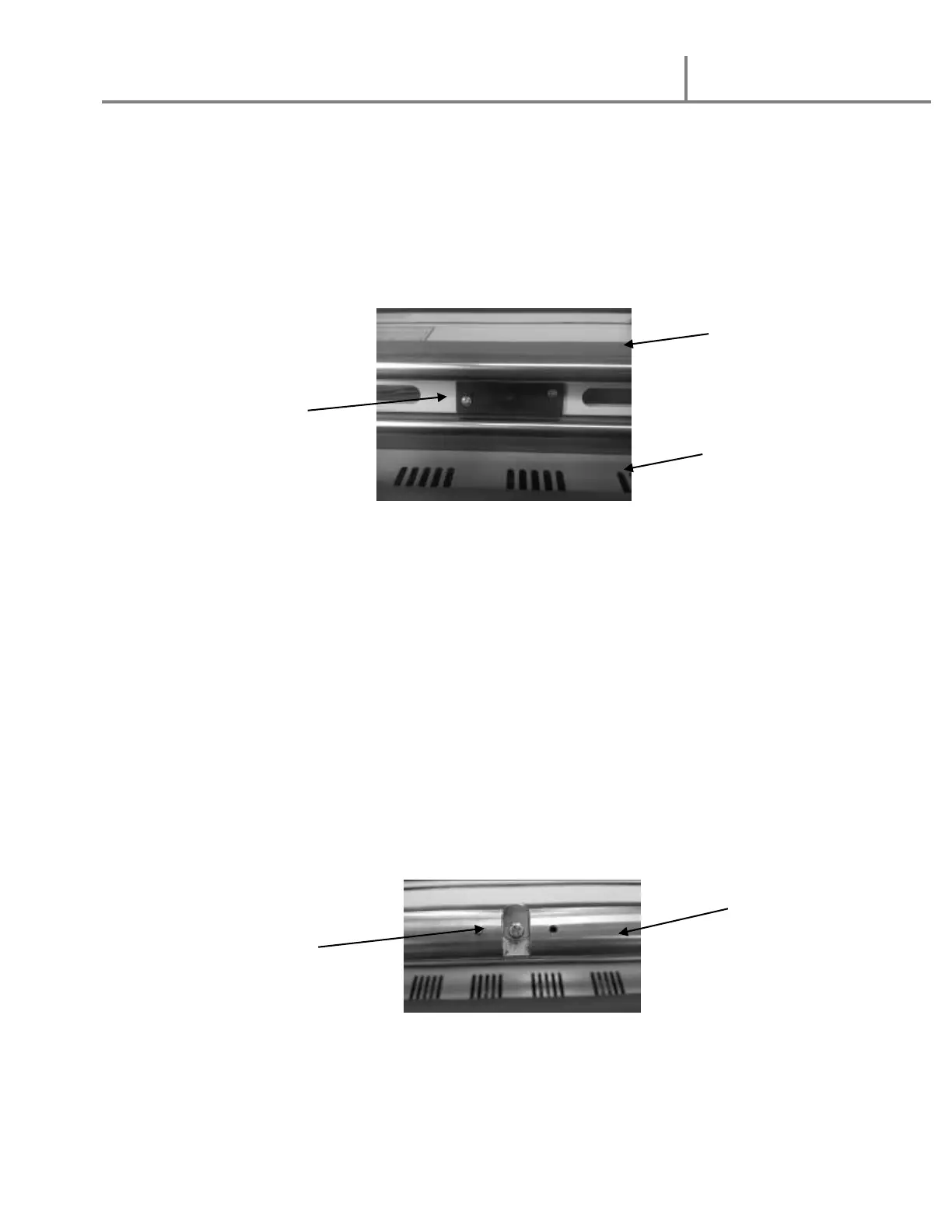
19. Heat Sensor Safety Feature
1. Should the heat senor located on the back side of the top heat roller
become blocked, the motor and heater will stop
2. The Power light will flash, and you will hear three fast repeating audible beeps
3. Clear away any paper or film between the sensor and the roller from rear
of the machine
4. To reset the sensor, turn the motor Forward/Reverse switch to neutral or
“O” positon and the main ON/OFF switch to OFF, then back to ON
a. You should hear three slow beeps indicating the sensor has been cleared
20. Loading Film rolls
1. Determine whether your film is on 1” or 2 ¼” diameter cores
2. Select to use the 1” core clip or 2 ¼” core adaptor for your film
a. 1” core clip is mounted in the middle of each supply shaft
b. If using 1” core film, loosen the two (2) adaptor screws on each 2 ¼” core
adaptor and slide them off the film shafts


 To Next Page