19
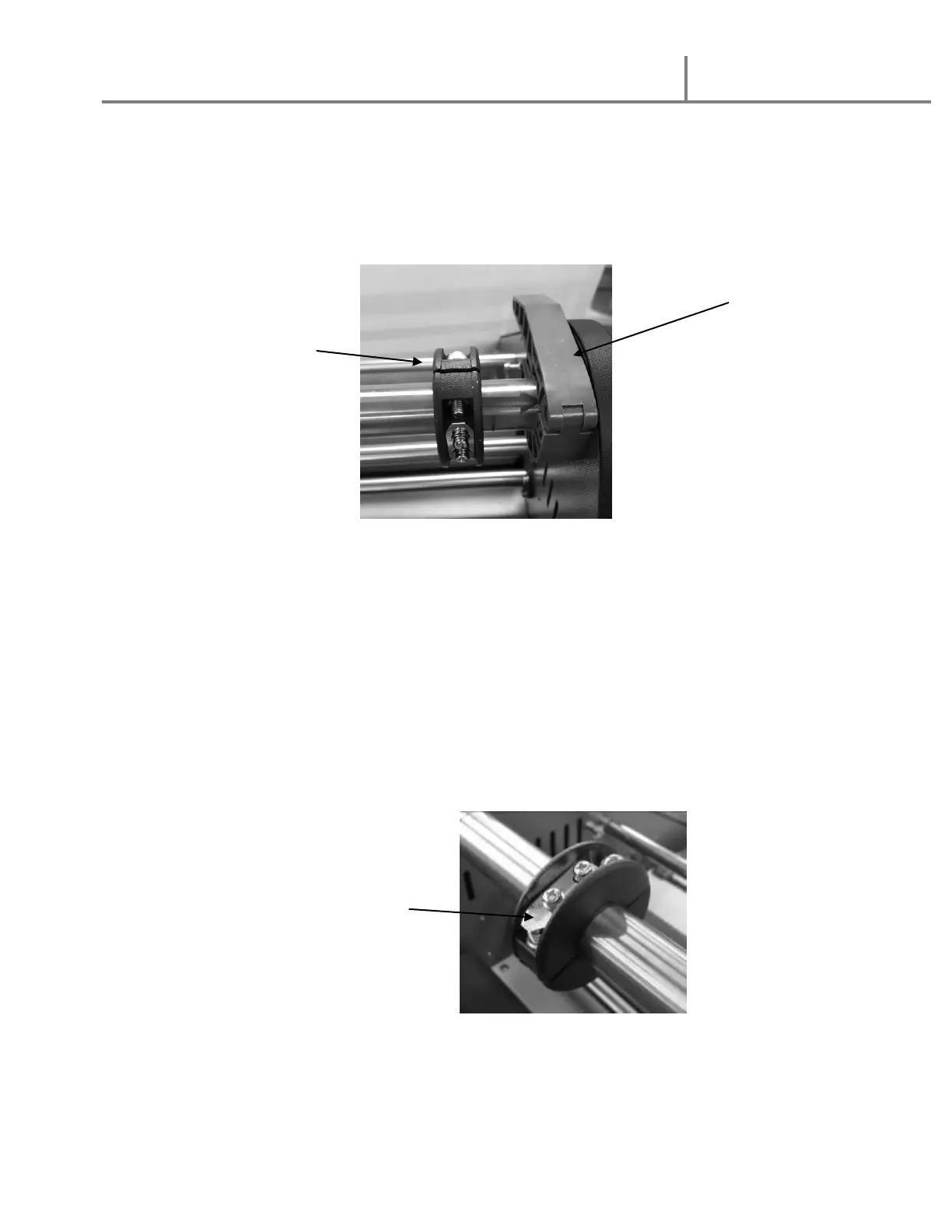
21. Using 2 ¼” Film core adaptors
1. Place the supply shafts onto the shaft brackets with the arrows on the shaft
matching the arrows on the left and right-side frames.
2. If using POLY-IN film:
c. Select Four (4) 2 ¼” core adaptors
d. Slide Two (2) core adaptors onto the TOP shaft with the core clips
pointing toward the FRONT of the machine when the clips are on TOP
and the shafts are in place.
e. Slide Two (2) core adaptors onto the BOTTOM shaft with the core clips
pointing toward the REAR of the machine when the clips are on TOP and
the shafts are in place.


 To Next Page