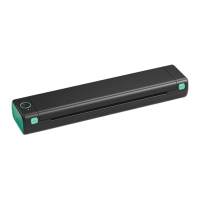
Feed Button Mode
Desired Action
Execution
Printer must be OFF. Press and hold the Feed Button
Print out test page
Automatic
identification
of the label size
Restore factory
setting
Skip a label
Pause printing
Resume printing
while turning the printer on.
Insert label. Press and hold the Feed Button for 3 sec.
( Power must be ON)
*Anytime you change your label, run the automatic
identification of the label size.
Open the cover. Press and hold the Feed Button for
10 sec.
( Power must be ON)
Press the Feed Button while printer is standby.
(i.e. nothing is being printed)
Press the Feed Button while printing.
Press the Feed Button to resume printing.
06



 To Next Page