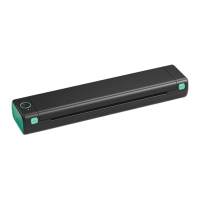
Label setup
1. Load your label
O Turn the printer on;
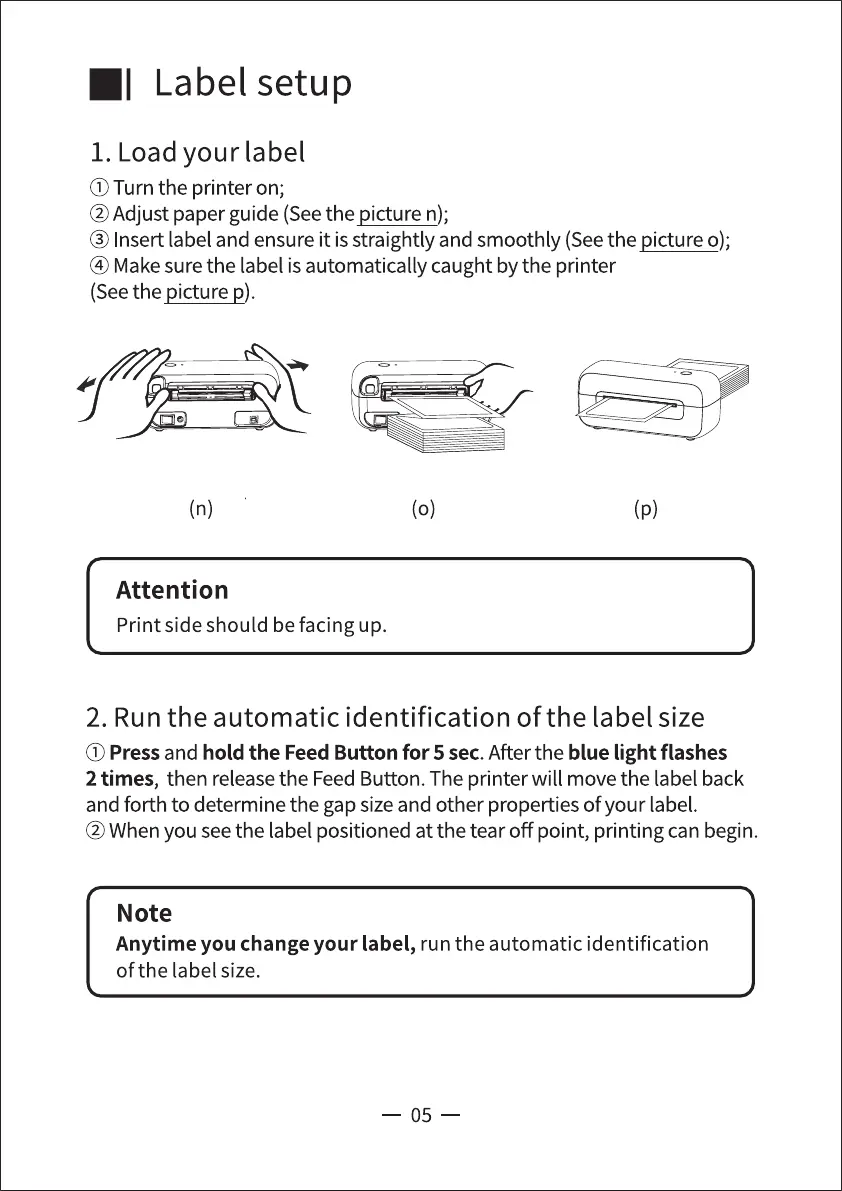
@Adjust paper guide (Seethe picture n);
@ Insert label and ensureit isstraightly and smoothly (Seethe picture o);
@ Makesure the label isautomatically caught by the printer
(Seethe picture p).
(n)
Attention
Print side should be facing up.
(o)
(p)
2. Run the automatic identification of the label size
(j) Pressand hold the Feed Button for 5 sec.After the blue light flashes
2 times, then release the Feed Button. The printer will move the label back
and forth to determine the gap sizeand other properties of your label.
@When you seethe label positioned at the tear off point, printing can begin.
Note
Anytime you change your label, run the automatic identification
of the label size.
05



 To Next Page