6
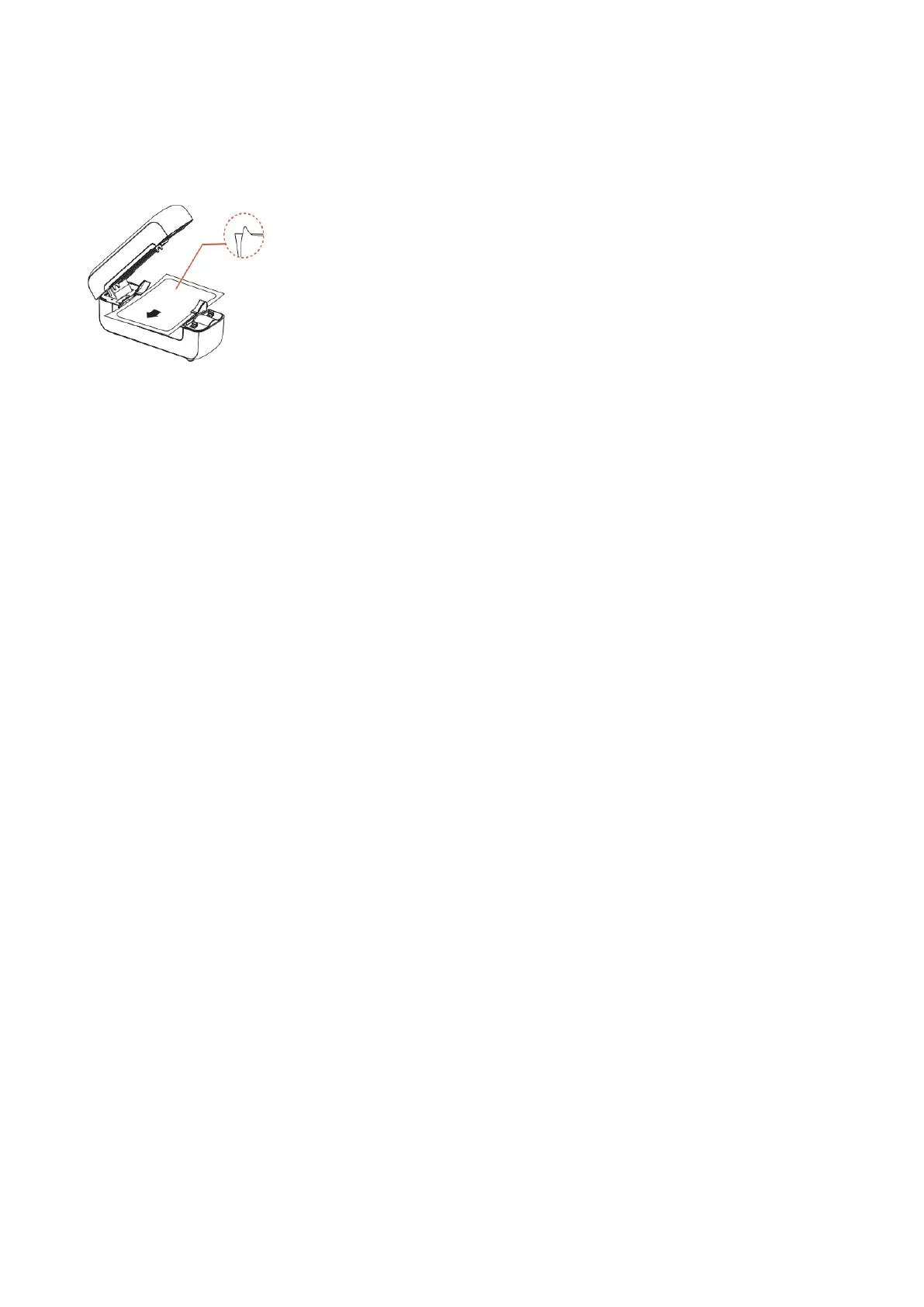
4. How to feed label
Open printer cover. And feed label into printer.
NOTE: The printing side must be faced up or it will print blank label.
Close printer cover. The printer catch label automatically.
Press and hold FEED button(on the top of the cover) until blue light blink 2 times then
release button. Printer will run label identification automatically.
Press and hold FEED button until blue light blink 1 time then release button. Printer will
print self-test page.
!! Please check whether the self-test page is clear and correct. If the print is unclear or
incorrect, please contact customer service directly. We will provide you with a new
replacement service. !!



 To Next Page