20
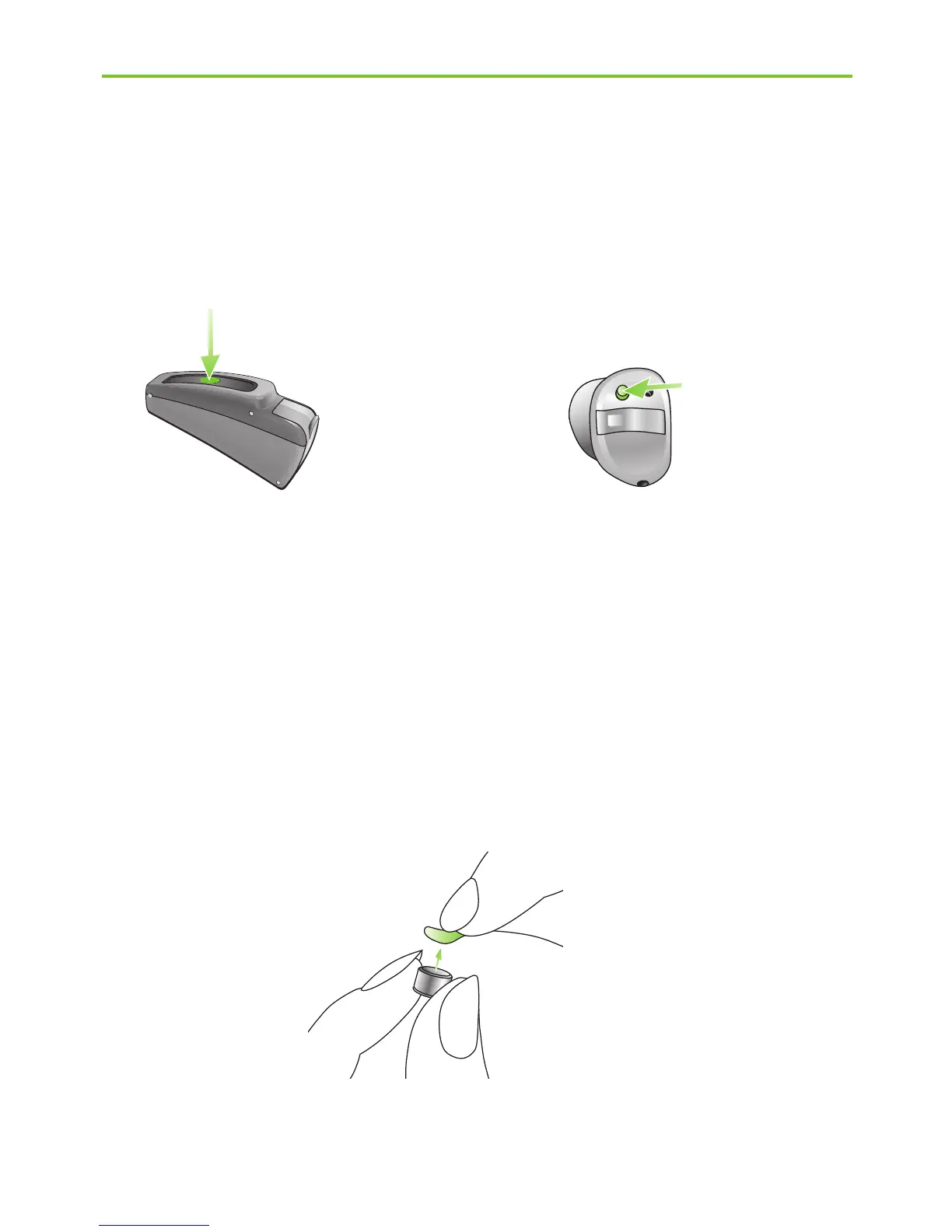
In order to change a hearing program, press the push
button displayed (Fig. 1c/1d).
Step 2. Battery preparation
Remove the protective foil from the new battery (Fig. 2).
Wait for two minutes before inserting to activate the
battery.
Fig. 2
Fig. 1c Fig. 1d
4. Using your Phonak CROS system







 To Next Page