11
FIREFLY 808
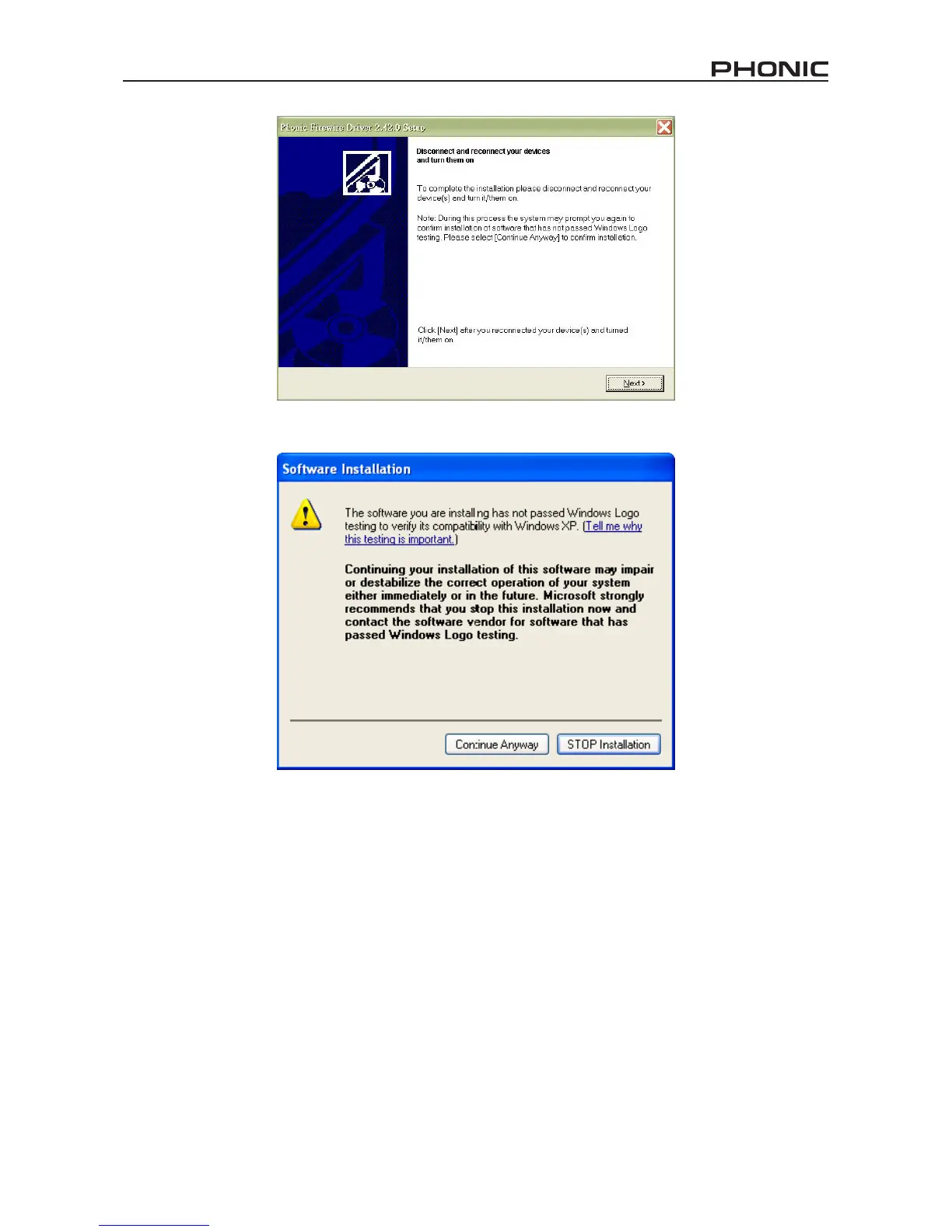
Connect the Firey to the Computer and turn the power on or, if
the Firey is already connected, turn it off and then on again.
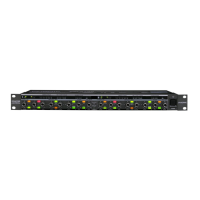
If a message is displayed indicating that the software has not passed Windows Logo test,
click “Continue Anyway.”
After installation is complete, the FireWire control panel item will be visible
in the taskbar and users are free to use the device as they wish.


 To Next Page