9. When monitoring signals as high as 80 dB to 120 dB SPL, you can still view the lower levels by
pausing the RTA (select “RUN/STOP”) and scrolling down the screen to see the lower levels.
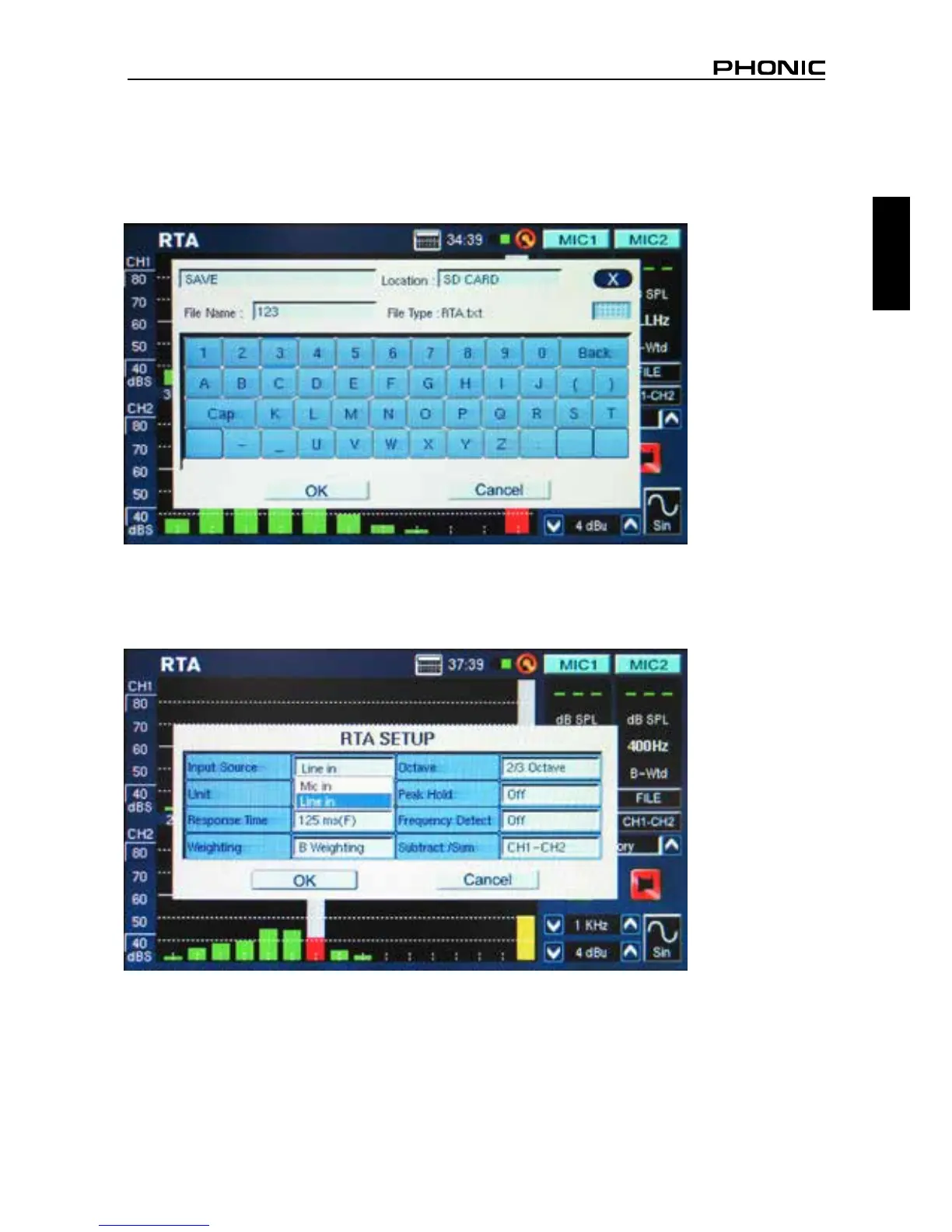
10. You can save your readings by entering the FILE menu and saving to either the PAA6 or inserted
memory card (gure 26).
Procedure for measuring an electrical signal:
1. Enter the SET menu and set the input source to “Line” and measurement unit to “dBu,” “dBV,” or
“voltage,” as required (see gures 27 and 28).
figure 26
figure 27


 To Next Page