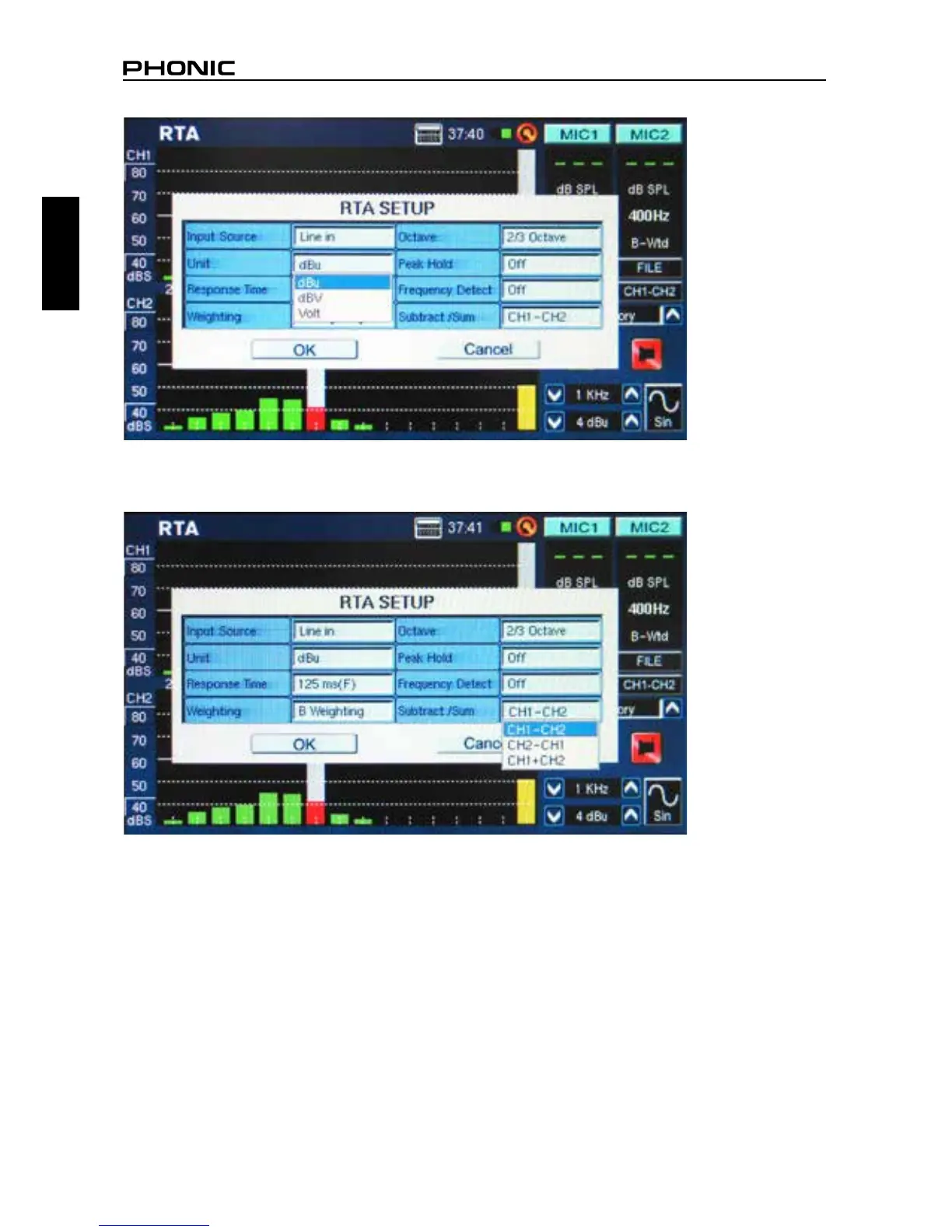
2. You may also want to adjust the response time, weighting, octave, peak hold, frequency detect and
Subtract/Sum (gure 29) properties.
3. Send a signal through the PAA6’s female XLR jacks. The wiring should be as follows:
Pin 2 – Hot, Pin 3 – Cold, Pin 1 – Ground
4. Push the “RUN/STOP” button.
figure 28
figure 29



 To Next Page