7
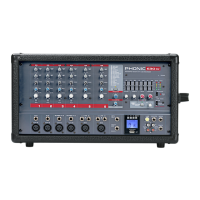
POWERPOD 410
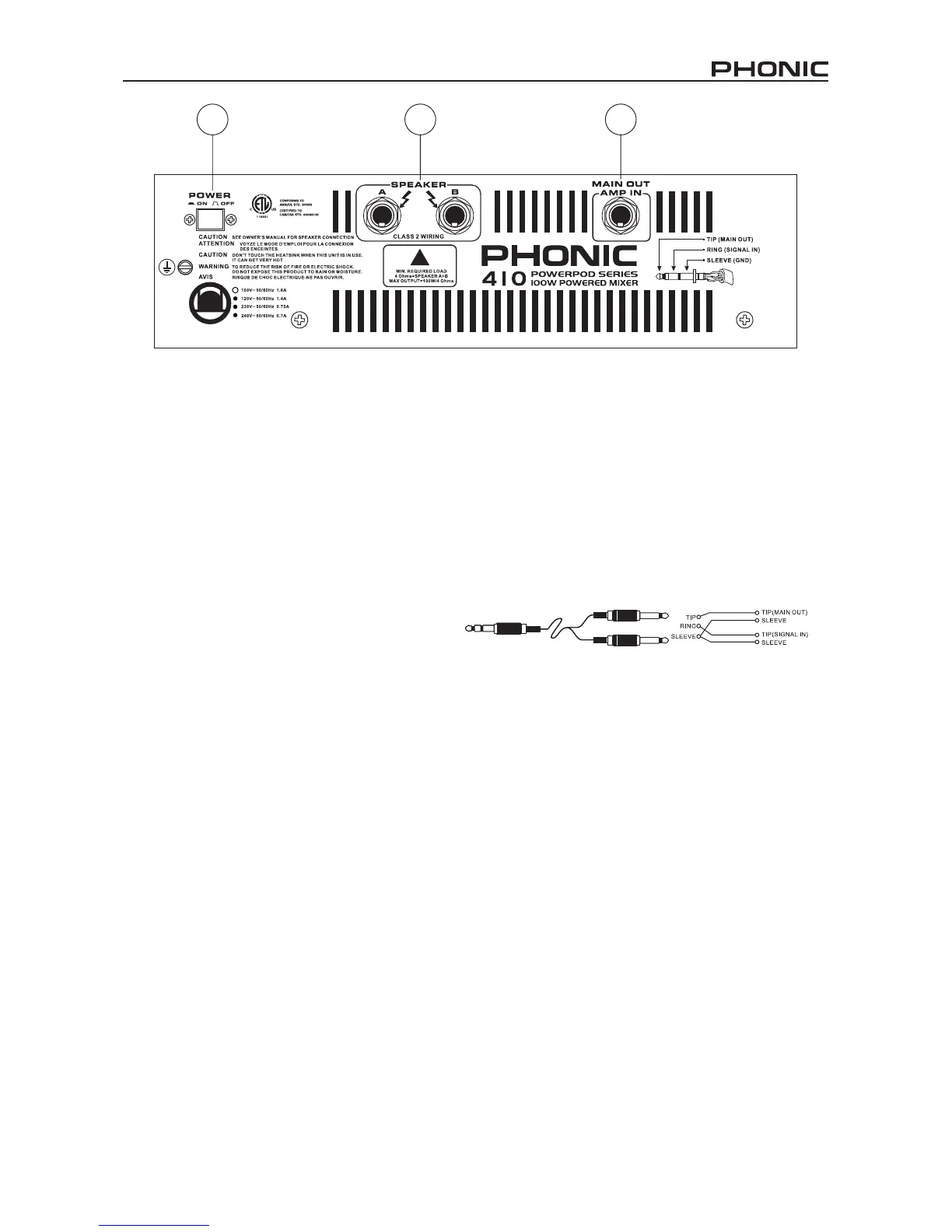
REAR PANEL DESCRIPTION
11. POWER SWITCH
This switches the powered mixer on and
off. While turn it on, the power on blue LED
indicator will light up on the master section of front
panel.
12. SPEAKER OUTPUT JACKS
Speakers can be connected to these sockets, two
speakers can be connected to the powered mixer.
When using 2 speakers at the same time, use 8~16
ohms speakers. When using one speaker only, use a
4~8 ohms speaker. The total minimum required load
is 4 ohms. If the total load is less than 4 ohms, it may
damage this powered mixer.
11 12 13
13. MAIN OUT / AMP IN
This unbalanced insert point is a break between the
main out and built-in amplier to allow the main output
to be sent to an external signal processor or power
amplier. The insert is a 1/4
’
phone jack socket which
is normally bypassed. When a jack is inserted, the
signal path is broken.
The main output signal appears on the TIP of the plug
and the external signal is returned on the RING. A
“
Y
”
lead may be required to connect to equipment
with separate send and return jacks as shown below:



 To Next Page