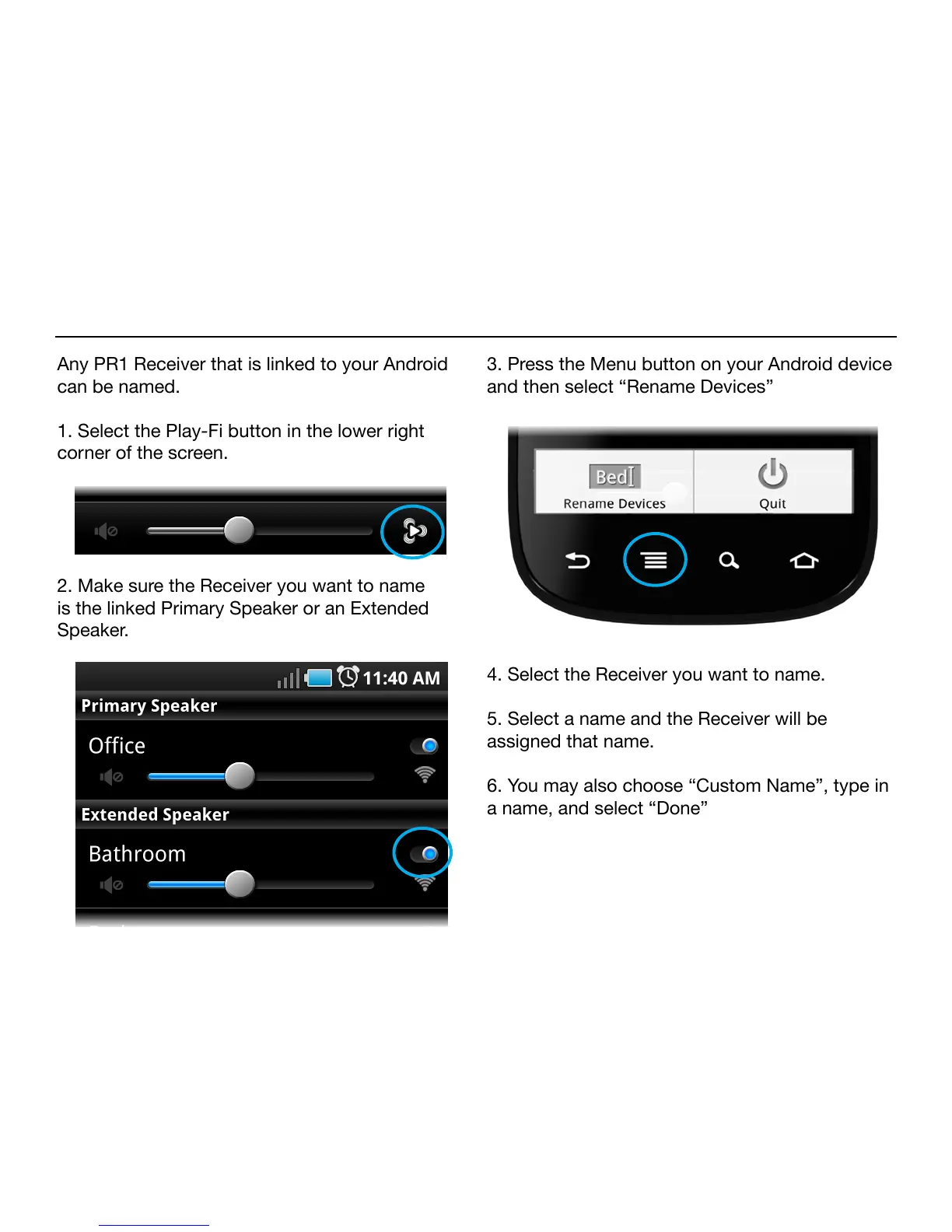
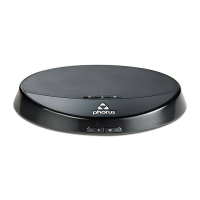
Any PR1 Receiver that is linked to your Android
can be named.
1. Select the Play-Fi button in the lower right
corner of the screen.
2. Make sure the Receiver you want to name
is the linked Primary Speaker or an Extended
Speaker.
3. Press the Menu button on your Android device
and then select “Rename Devices”
4. Select the Receiver you want to name.
5. Select a name and the Receiver will be
assigned that name.
6. You may also choose “Custom Name”, type in
a name, and select “Done”


 To Next Page