Wi-Fi 13
A PR1 Receiver may be assigned a static
IP address, but it requires a Wi-Fi enabled
computer. To set a static IP address, place your
PR1 Receiver into Standard Wi-Fi Setup Mode.
From your personal computer, select the Play-Fi
device in your Wi-Fi networks menu. This will
connect your PC directly to the Play-Fi device.
Once connected, open your web browser and
enter into the address bar:
http://192.168.0.1/index.html
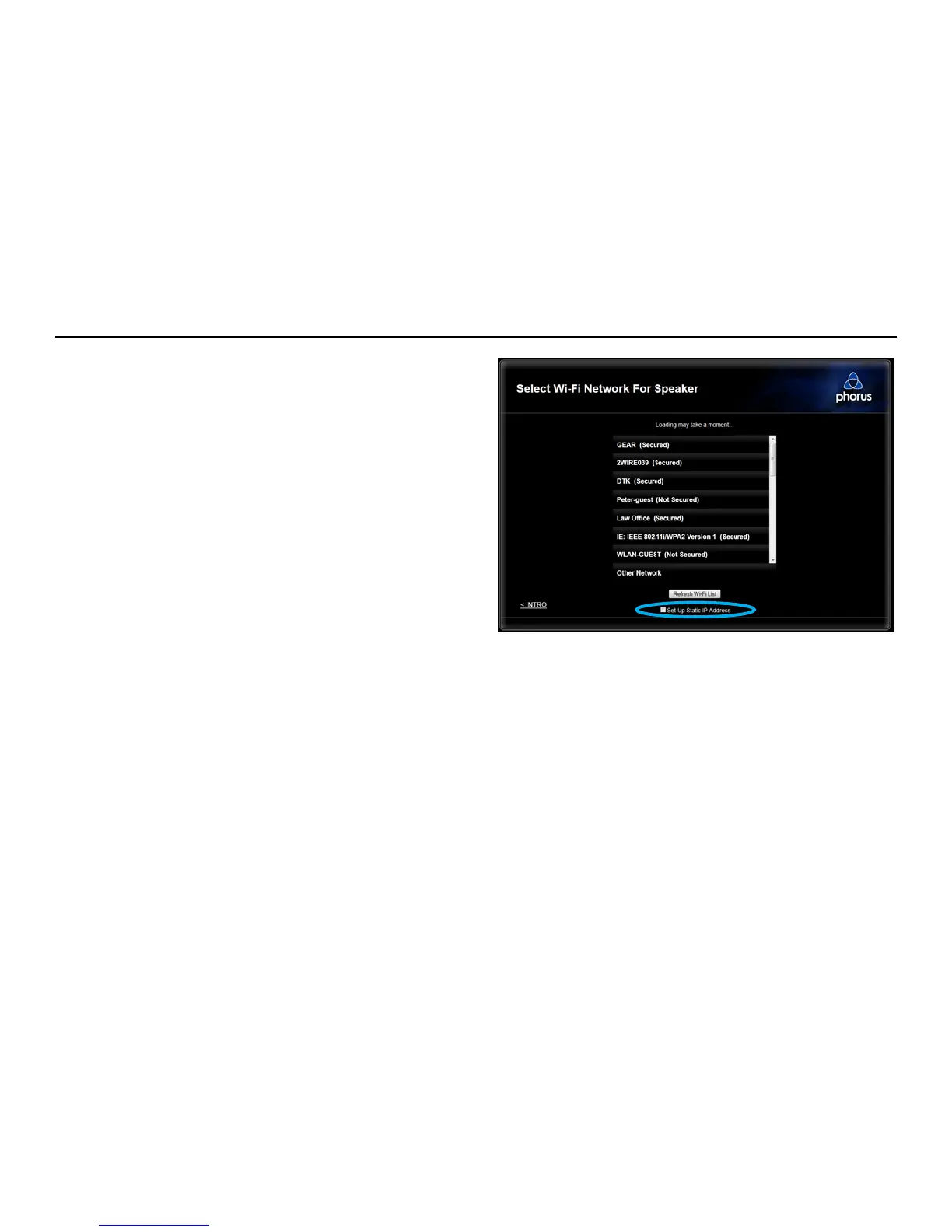
On the second page after the introduction select
the “Static IP” check box at the bottom of the
page. Follow the on-screen instructions to nish
the setup process.
Wi-Fi - Static IP Conguration


 To Next Page