Page 23 of 28
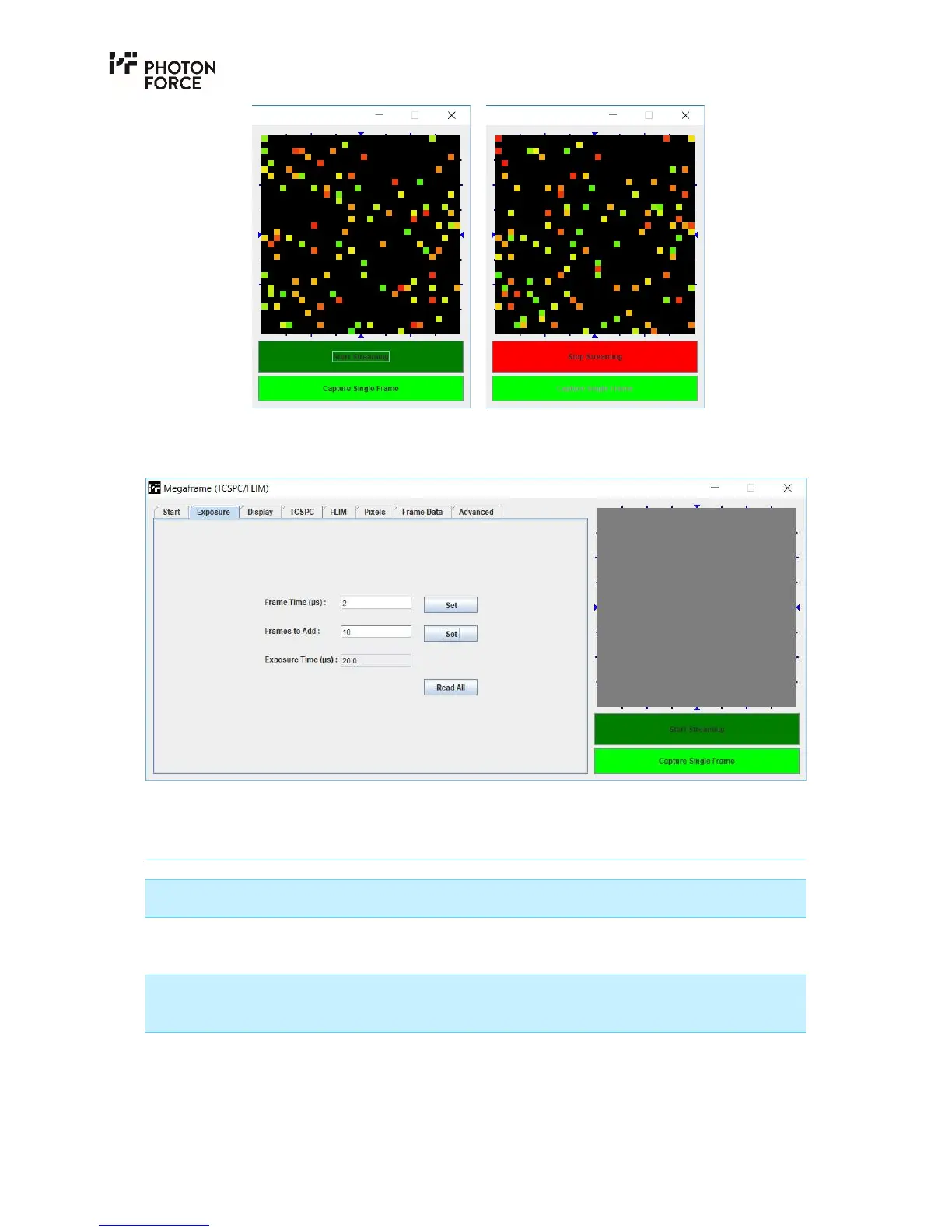
PF32 Java application image display area and streaming controls, showing idle (left) and
streaming in progress (right).
E X P O S U R E T A B
PF32 Java application Exposure tab.
The exposure tab allows the camera’s frame time to be set, specified in microseconds (µs). Please
note that unless otherwise specified, the camera provides a minimum frame time of 2µs.
Setting Description
Frame Time (µs) Specifies the sensor’s frame time in microseconds. Valid values
are 2 to 8,000µs.
Frames to Add This specifies the number of sensor frames which will be
digitally summed by the camera to produce each frame
transmitted to the PC. Valid values are 1 to 50,000.
Exposure Time (µs) Displays the total exposure time for each frame received by the
PC, defined as the sensor frame time multiplied by the number
of frames to add.



 To Next Page