Page 6 of 28
J A V A R U N T I M E E N V I R O N M E N T I N S T A L L A T I O N
The PF32 Java application requires the Java Runtime Environment (JRE). If not installed already,
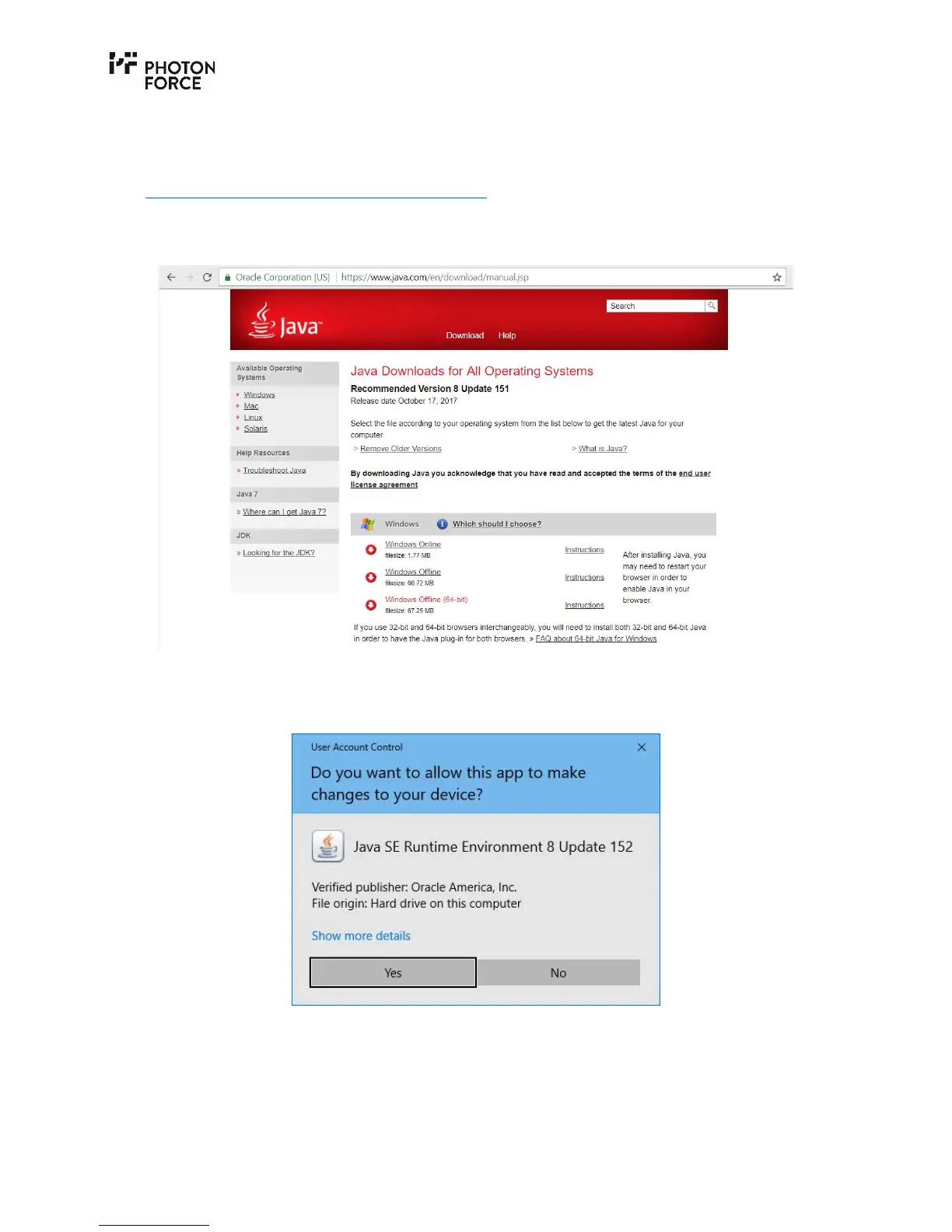
please download the JRE from the Oracle Java web site:
https://www.java.com/en/download/manual.jsp
To install the Oracle Java Runtime Environment, download and run the Windows Offline (64-bit)
installer.
The installation of the JRE requires the following steps:
1. Run the installer and provide the necessary administrator rights to allow the installation.



 To Next Page