Page 4 of 28
W E L C O M E
Thank you for choosing to purchase a PF32 system from Photon Force. We look forward to
supporting your research and hearing about your discoveries. Please do stay in touch!
We’ve put together the following quick start guide to help you get up to speed with your new
camera. If you have not yet already downloaded the software and documentation for your PF32
camera, this available online at https://www.photon-force.com/setup/
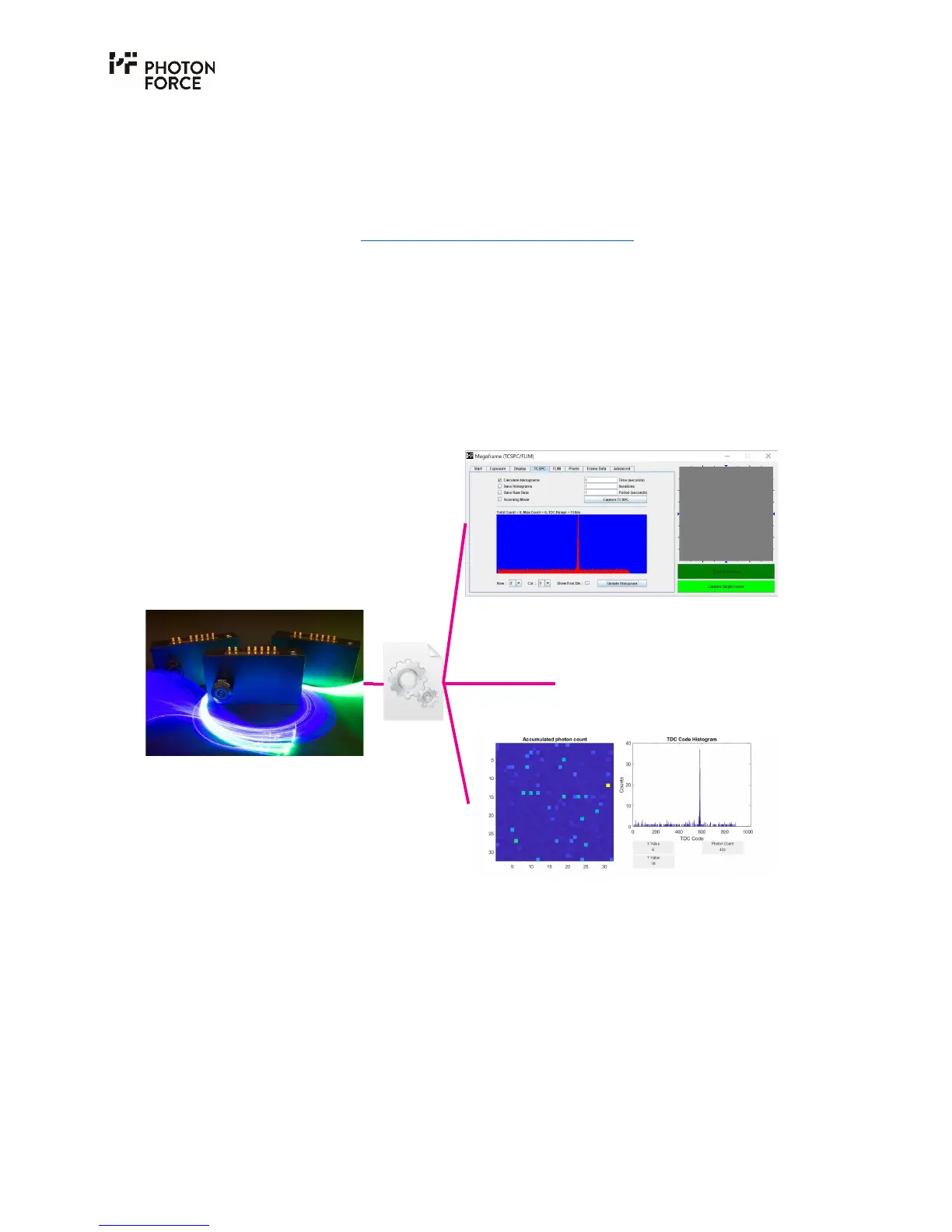
Photon Force supports a number of ways to use your PF32 camera, all built around our camera
driver. A Java demo application is provided, which can be used to quickly test the camera, view a
video stream, capture histograms, and explore the camera settings. The Java application is
discussed later in this guide. A MATLAB
®
wrapper is provided for scientific use, allowing the
camera to be operated and data acquired from within the MATLAB
®
environment. Demo
functions are provided for acquiring both live video for display, and high speed streaming of data
for analysis. The MATLAB
®
wrapper is discussed in a dedicated guide, available from the setup
link above. Finally, you may use the Photon Force API to communicate with the PF32 camera from
your own software. Please consult the API guide provided via the setup page above.
Illustration of software components.
PF32 camera
Driver
DLL
Java demo application



 To Next Page