Page 2
Operating Instructions
FIELD & BENCH USE
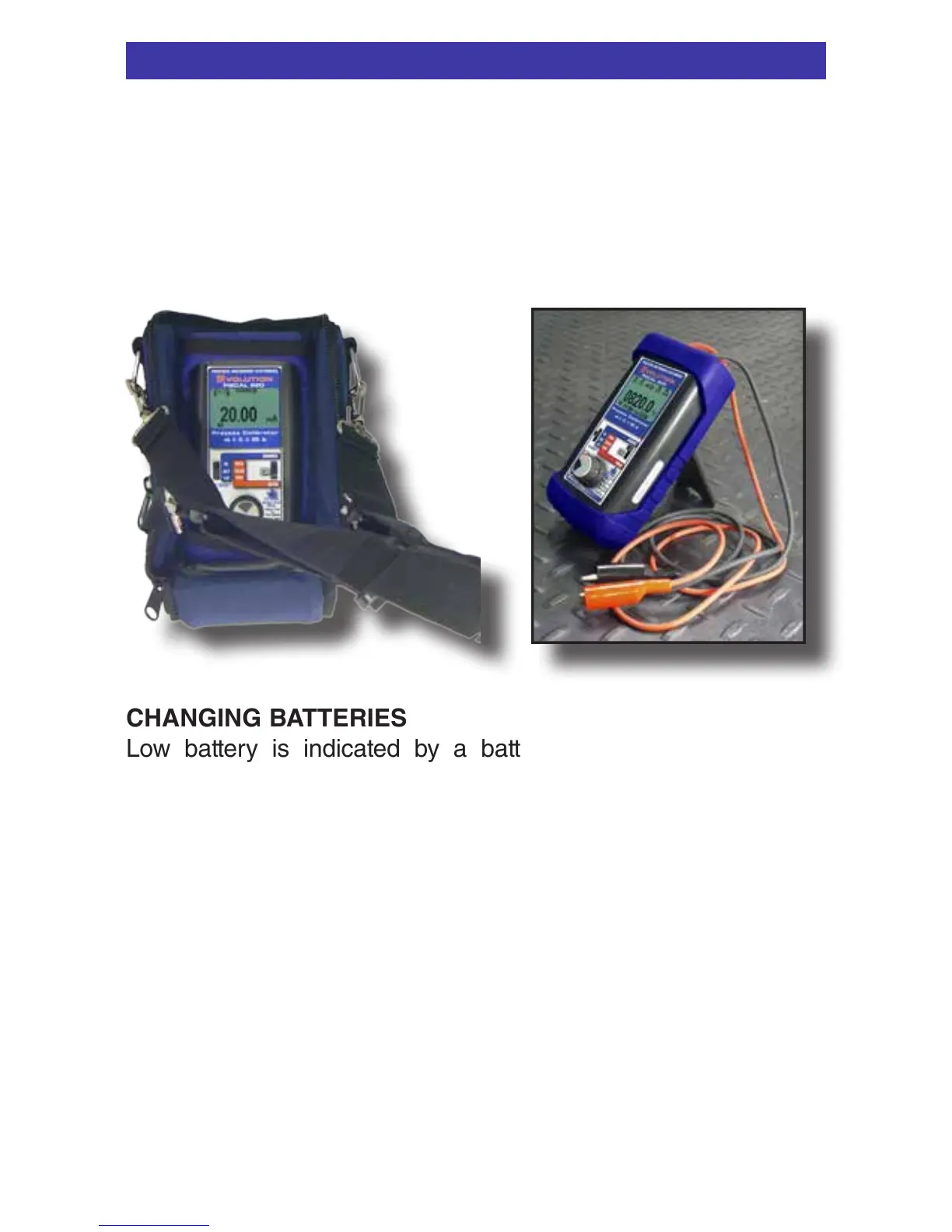
PIECAL 820 comes with a carrying case designed for hands-
free operation and a rubber boot with a built-in tilt stand. The
PIECAL 820 is held in the case by elastic straps for use with the
carrying case open. The tilt stand is easily raised by pulling the
stand until it locks into place.
CHANGING BATTERIES
Low battery is indicated by a battery symbol on the display.
Approximately one to four hours of typical operation remain before
the PIECAL 820 will automatically turn off. To change the batteries;
remove the rubber boot, remove the battery door from the back of
the unit by sliding the door downward. This allows access to the
battery compartment. Replace with four (4) “AA” 1.5V batteries
being careful to check the polarity. Replace the battery door and
replace the boot. All stored configuration options (T/C Type,
EZ-CHECK Memories, etc.) are reset to factory settings when the
batteries are removed.
Note: Alkaline batteries are supplied and recommended for
typical battery life and performance. Optional rechargeable
batteries (charged externally) are available.



 To Next Page