Page 3
Operating Instructions
STORING HI and LO EZ-CHECK Source Outputs
Speed up your calibration by storing Span & Zero output setting
for instant recall with the EZ-CHECK switch.
1) Store your high (SPAN) output temperature by moving the
EZ-CHECK switch to the HI position and turning the EZ-Dial
knob until the desired output value is on the display. Press
and hold the EZ-Dial knob until STORED appears to store
the value. Release the EZ-Dial knob.
2) Store your low (ZERO) output value by moving the EZ-CHECK
switch to the LO position and turning the EZ-Dial knob until
the desired output value is on the display. Press and hold the
EZ-Dial knob until STORED appears to store the value.
Release the EZ-Dial knob.
3) Instantly output your SPAN and ZERO output settings by
moving the EZ-CHECK switch between HI and LO. You may
also select any third output setting (such as mid-range) using
the SET position on the EZ-CHECK switch.
Connections
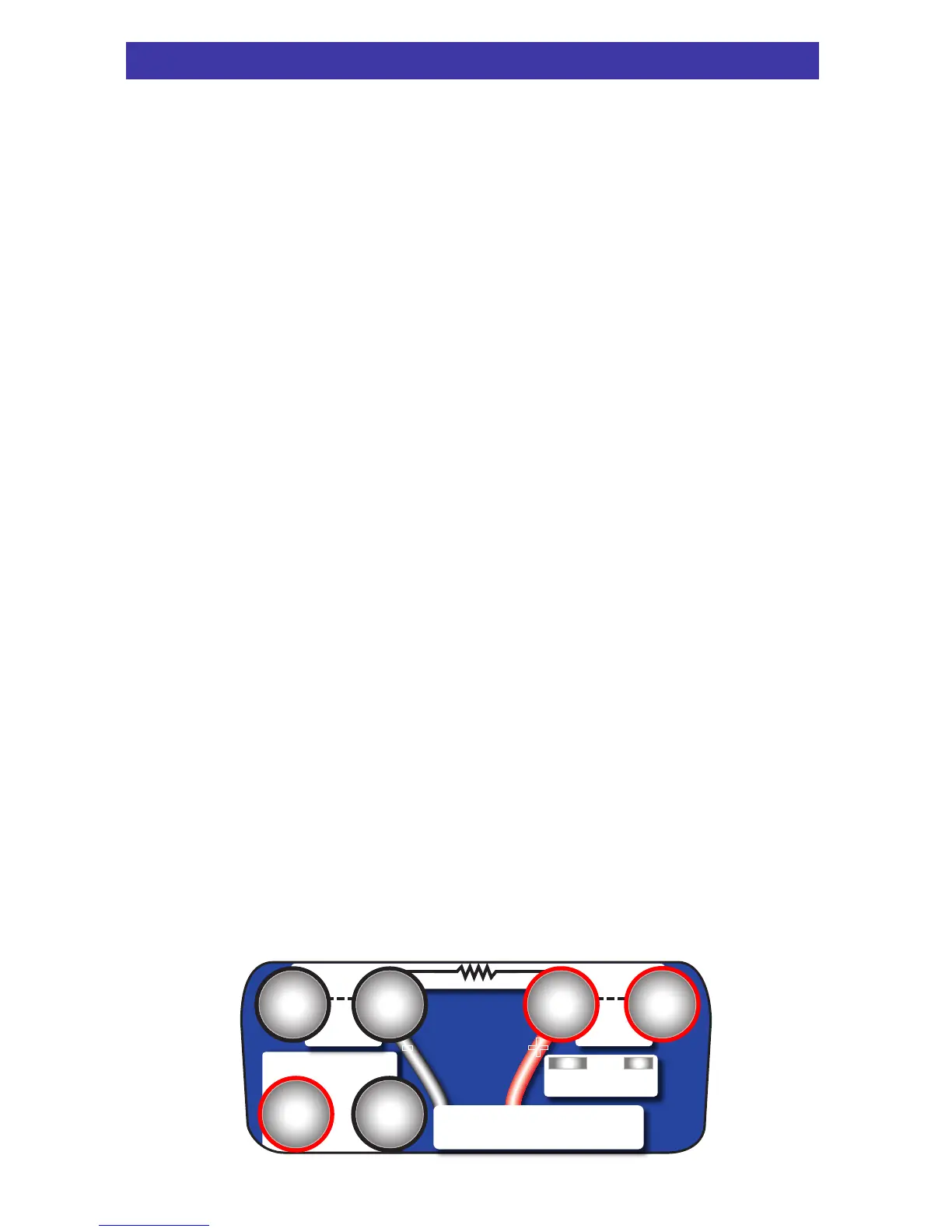
PIECAL 820 has banana jacks compatible with standard banana
plugs or retractable safety banana plugs. Included with your
calibrator are a pair of test leads with alligator clips for mA, V &
Hz connections. Four test leads with spade lugs are also
included for 2, 3 and 4 Wire RTD connections. Thermocouple
connections are made through a miniature thermocouple socket.
T/C
All mA∙ Read V
-
23
RTD
Ω
RTD
Ω
65
4
+
Source & Read Hz∙ mV
Source V∙pH
-
+
1
-


 To Next Page