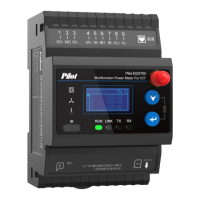
After inputting password 0001,
entering submenu.
Detailed introduction of Set Menu
will be shown in “4.6 Parameters
Settings”.
4, Info Menu: After entering the
info menu, program version
information, protocol and
protocol equipment information
and device ID can be viewed.



 To Next Page