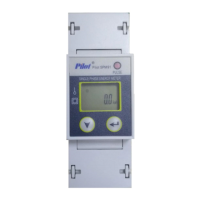
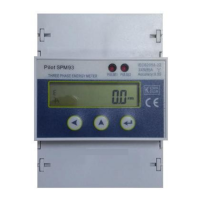
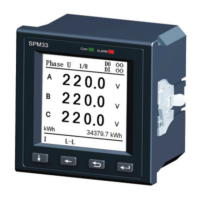
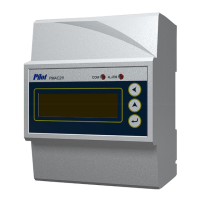
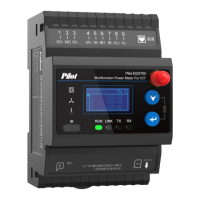
4.5 Power On Display Interface
Data display
U:DC voltage
I :DC current
P:Power
E : Energy
1、 Startup interface:
The meter self-examines with
power on, LCD lights up, dot matrix
fully displays, entering into startup
interface 3s later
U 100.0 V
I 100.00 A
P 10.00 kW
E 20.125 kWh
Note: Press confirm button to enter
main menu check interface.
2, Main menu interface: Press
to select different submenu,
press to enter submenu, as
shown below:
3, Set menu: After entering the set
menu, input the correct password to
enter the Set menu display
interface.



 To Next Page