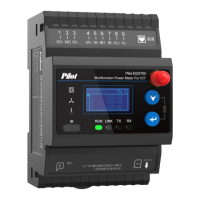
4. Display and Keyboard Instructions
4.1 Full Display
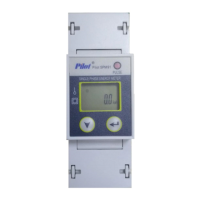
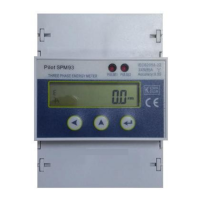
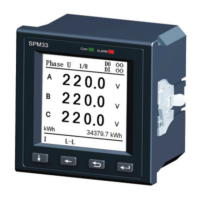
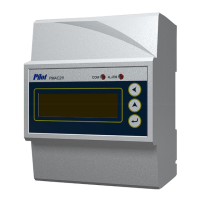
There is a one-inch dot matrix LCD with
backlight on SPM 90, whose resolution is 128*64.
With 2 keys and menu prompt, switching among
different functions can be realized.
Note: Backlight turns off if the meter is left with
no operation for 60s. Backlight will not turn on
unless there is operation again.
4.2 Statue Inquiry
4.3 Keyboard Instructions
Note: Same keys play different functions if different interfaces.
Switching among equative menu
Exit/Confirm
U 100.0 V
I 100.00 A
P 10.00 kW
E 20.125 kWh



 To Next Page