EasyManua.ls Logo

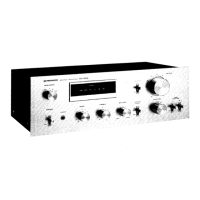
Pioneer SA-710 - Line Voltage Selection; Line Voltage Selection Procedure; Voltage Labels

Pioneer SA-710
9 pages
Print Icon
To Previous Page IconTo Previous Page
Loading...
sAF710./HE,,HB
OTHERS
Part No.
Symbol & Description
AK8-064
AKB-063
ABA-I39
Terminal
(INPUT)
Terminal
{TAPE)
Screw
3x6
Fuse
Assembly
(GWX4g8)
Pa.t
No.
Symbol
& Description
ACG-001
Capacitor
NOTE:
The
only difference
betwen
followng
assemblies
in models SA-710/KU, HE
and
HB
types lies
in
the
assembly
parts
numbers. All
circuit and
parts
are
exactly the same. For P.C.
board
patterns
and
parts
list, refer
to
the
service manual for
SA-710/KU type.
Description
AAX-193
AAX.192
220V label
240V label
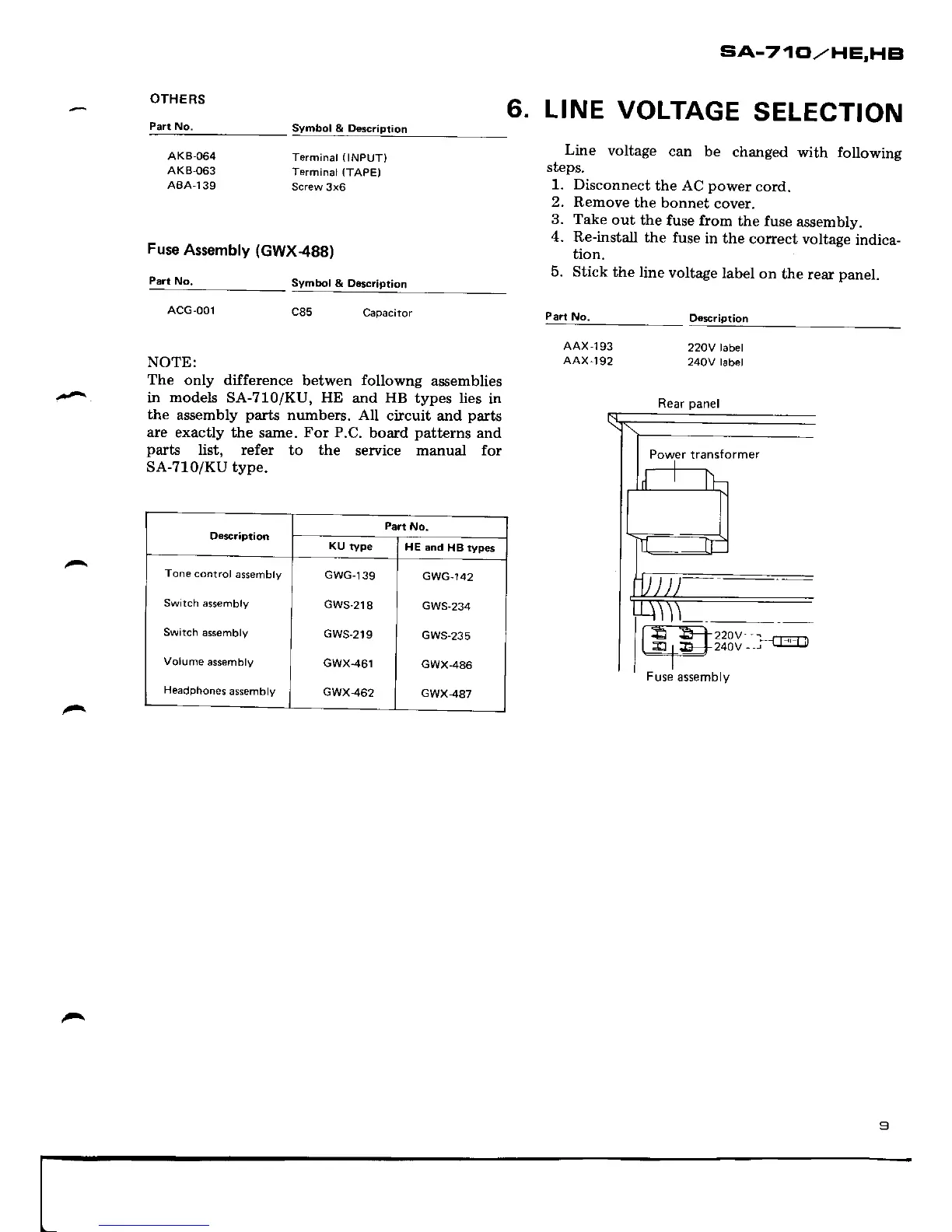
6.
LINE
VOLTAGE
SELECTION
Line
voltage
can be
changed
with following
steps.
1. Disconnect
the AC
powet
cord.
2. Remove
the bonnet
cover.
3. Take
out
the fuse from
the fuse
assembly.
4. Re-install
the
fuse
in the
corect voltage
indica-
tion-
5. Stick
the line
voltage
label
on
the rear
panel.
Part
No.
Rear
panel
Ds3cription
Part
No.
KU
type
HE and
HB rypes
Tone
control
assembly
Switch assembty
Switch
assembly
Volume
assembly
Headphones
assembly
GWG-139
GWS-218
GWS.219
GWX.461
GWX462
GWG-142
GWS-234
GWS-235
GWX-486
GWX,487

Other manuals for Pioneer SA-710

Related product manuals