EasyManua.ls Logo

Pioneer SX-10AE - User Manual

Pioneer SX-10AE
28 pages
Print Icon
To Next Page IconTo Next Page
Loading...
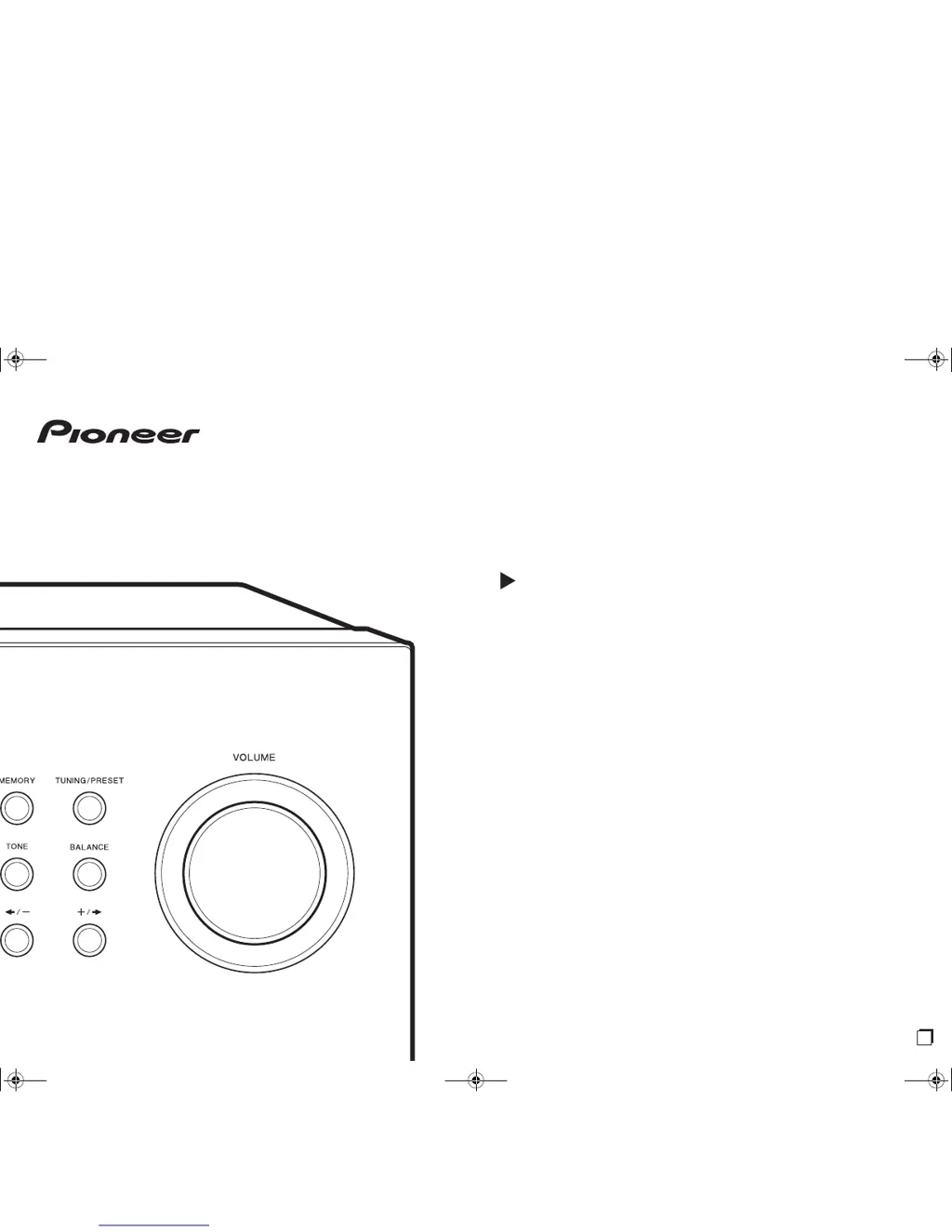
SX-10AE
STEREO RECEIVER
Instruction Manual
En
SN29403247_SX-10AE_En_1707XX.book 1 ページ 2017年7月19日 水曜日 午後1時59

Questions and Answers

  • A
    Amanda ChapmanJul 27, 2025
    Why is the Bluetooth audio quality poor on my Pioneer SX-10AE?
    • K
      Kenneth HallJul 27, 2025
      If you're experiencing poor audio quality after connecting a BLUETOOTH device to your Pioneer Stereo Receiver, it could be due to poor reception. Try moving the BLUETOOTH device closer to the receiver or removing any obstacles between them.
  • M
    Melissa RichardsonAug 1, 2025
    What to do if a speaker produces no sound on Pioneer SX-10AE?
    • J
      Jason McdonaldAug 1, 2025
      If a speaker isn't producing sound with your Pioneer Stereo Receiver, check the following: - Ensure the polarity of the speaker cables (+/–) is correct and that no bare wires are touching the metal part of the speaker terminals. - Make sure the speaker cables haven't shorted. - Verify the speakers are connected correctly.
  • J
    Jeremiah FoxAug 6, 2025
    Why does my Pioneer SX-10AE Stereo Receiver keep turning off?
    • J
      Jesse WarrenAug 6, 2025
      If your Pioneer Stereo Receiver turns off unexpectedly, it might be due to several reasons. The unit could be switching to standby automatically because of the "AutoStandby" setting. Alternatively, a speaker cable might have shorted, activating the protective circuit. Ensure that bare speaker wires aren't touching each other or the back panel, then try turning the unit on again. Also, the unit's temperature may have risen too high, triggering the protective circuit. Make sure the unit has enough ventilation and allow it to cool down before restarting.
  • L
    Laura RobersonAug 11, 2025
    Why is there noise coming from my Pioneer SX-10AE?
    • J
      Jonathan WoodardAug 11, 2025
      If you're hearing noise from your Pioneer Stereo Receiver, avoid bundling analog audio cables, the power cord, and speaker cables together, as this can degrade audio performance. Also, an audio cable might be picking up interference, so try repositioning your cables.
  • R
    Randall ThompsonAug 16, 2025
    How to improve radio reception on Pioneer SX-10AE?
    • S
      Steven KirbyAug 16, 2025
      If you are experiencing poor radio reception or a lot of noise with your Pioneer Stereo Receiver, try the following: - Re-check the antenna connection. - Separate the antenna from speaker cables and the power cord. - Move the unit away from your TV or PC. - Listen to the station in mono. - FM reception may become clearer if you use the antenna jack on the wall used for the TV.
  • I
    idavisAug 21, 2025
    Why is music playback unavailable after Bluetooth connection on Pioneer SX-10AE?
    • M
      Michael WilsonAug 22, 2025
      If music playback is unavailable on your Pioneer Stereo Receiver after a successful BLUETOOTH connection: - Ensure the audio volume on your BLUETOOTH device isn't too low. Increase the volume on the device. - Some BLUETOOTH devices have a Send/Receive selector switch; make sure it's set to Send mode.

Summary

Part Names

Front Panel Overview

Details the controls and indicators on the unit's front panel.

Display Indicators

Explains the various lights and indicators on the unit's display.

Rear Panel Connections

Details the various input and output terminals on the unit's rear panel.

Remote Controller Overview

Describes the buttons and functions of the remote control.

Install

Connect the Speakers

Guide to connecting speaker cables to the unit's terminals.

Connect External Devices

Instructions for connecting audio sources like CD players or network players.

Connect Other Cables

Details connecting the FM/AM antennas and the power cord.

Playback

Playing Audio from Connected Devices

How to play audio from connected external devices like CD players.

Bluetooth Playback

Steps for wirelessly playing music via Bluetooth.

Listening to AM;FM Radio

Instructions for tuning into and listening to AM and FM radio stations.

Using RDS Features

Explains Radio Data System features like displaying text and searching by program type.

Radio Station Management

Registering Radio Stations

How to save favorite radio stations as presets.

Naming Preset Radio Stations

Steps to assign custom names to preset radio stations.

Sound Adjustment

Adjusting Sound Quality

Explains how to adjust Bass, Treble, Tone, P.BASS, and Balance.

Setup Menu

AutoStandby Setting

Configures the unit to automatically enter standby after inactivity.

Speaker Impedance Setting

Sets the impedance for connected speakers.

Tuner Settings

Preset Write and Erase

Instructions for writing and deleting preset radio stations.

Name Edit and AM Freq Step

How to name stations and set AM frequency steps.

Tuning Mode Selection

Options for automatic or manual tuning.

Sleep Timer

Setting the Sleep Timer

How to set the unit to automatically enter standby after a specified time.

Troubleshooting

Power, Audio, and Speaker Issues

Solutions for power, audio output, and speaker connection problems.

Noise, Radio, and Bluetooth Issues

Addresses noise, radio reception, and Bluetooth connectivity troubleshooting.

Remote and Display Issues

Troubleshooting tips for the remote control and display.

Other Unit Issues

Solutions for other miscellaneous unit issues like strange noises.

General Specifications

Amplifier, Tuner, and Bluetooth Specs

Technical details for amplifier, tuner, and Bluetooth sections.

General, Inputs, and Outputs

Overall unit specifications, audio inputs, and outputs.

Pioneer SX-10AE Specifications

General IconGeneral
DisplayVFL
Quantity1
Apple dockingNo
Product colorBlack
Audio decoders-
Audio amplifierYes
Impedance6 Ω
Receiver typestereo
Frequency range20 - 20000 Hz
Pre-out channels1 SW
Speaker selectorA / B
Audio output channels4.1 channels
Signal-to-Noise Ratio (SNR)100 dB
Total Harmonic Distortion (THD)0.08 %
Power output per channel (1KHz@6 Ohm)100 W
Power output per channel (20-20KHz@8 Ohm)45 W
HDMI in0
Audio (L/R) in4
Multichannel audio input typeRCA
Headphone connectivity3.5 mm
Multichannel audio output typeTerminals
Connectivity technologyWired
Audio formats supportedAAC, SBC
Bluetooth version4.2
Bluetooth profilesA2DP, AVRCP
Supported radio bandsAM, FM
Preset stations quantity40
AC input voltage220-240 V
AC input frequency50 - 60 Hz
Power consumption (standby)0.4 W
Power consumption (typical)160 W
CertificationCE
Weight and Dimensions IconWeight and Dimensions
Depth321 mm
Width435 mm
Height147 mm
Weight7000 g

Related product manuals